| Theme | What it is |
|---|---|
| Light | The default bright appearance |
| Dark | A dark appearance, easier on the eyes in the evening |
| High Contrast | Stronger separation between text and background |
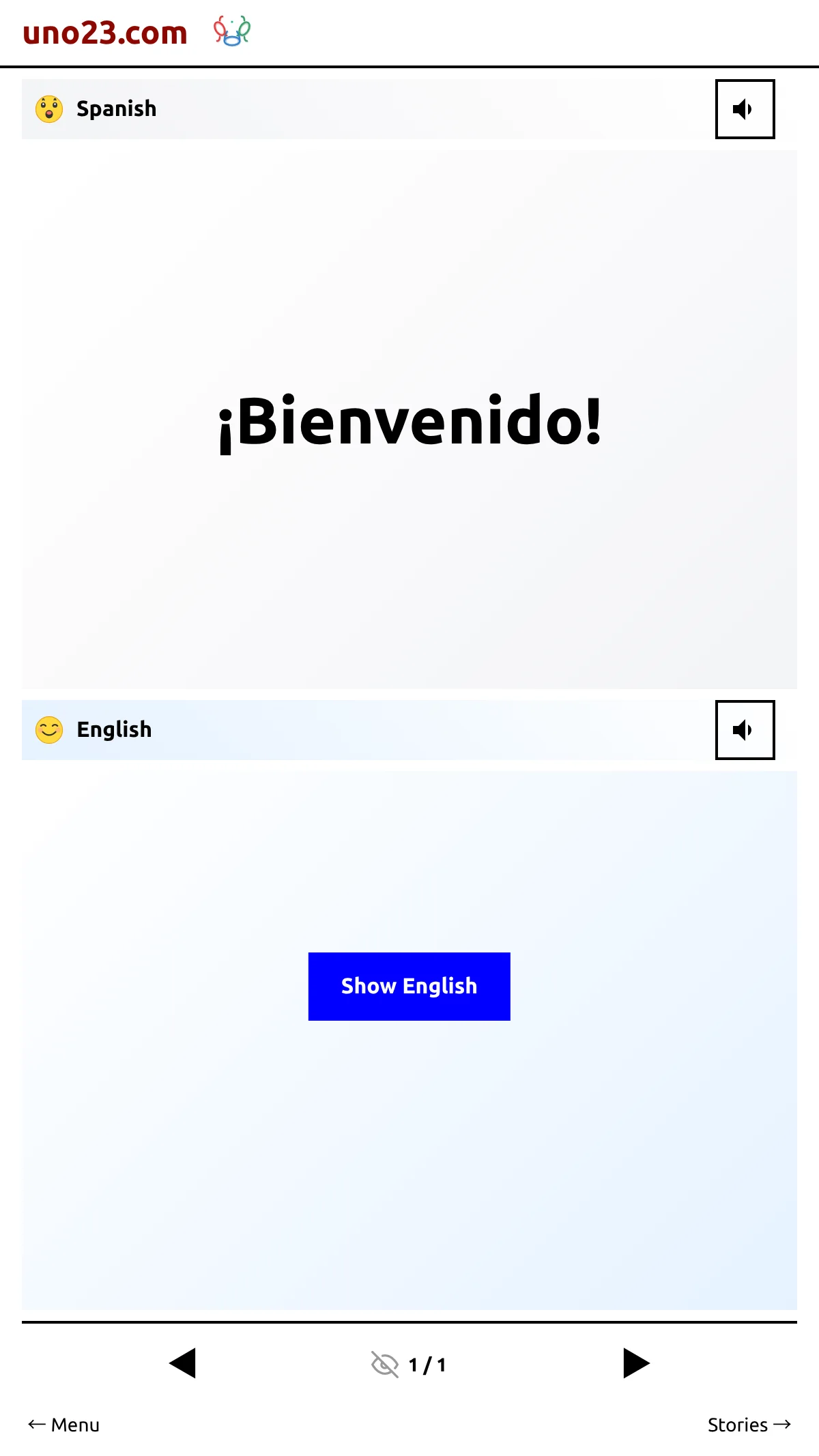
Choosing one repaints the whole app immediately — no reload, no confirmation. The Theme row in Settings always shows the theme you are on; tapping it opens a picker headed "Select Theme" with the three names.
Your choice survives a reload, and while you are logged in it is saved to your login, so it follows you to another device.
The picker
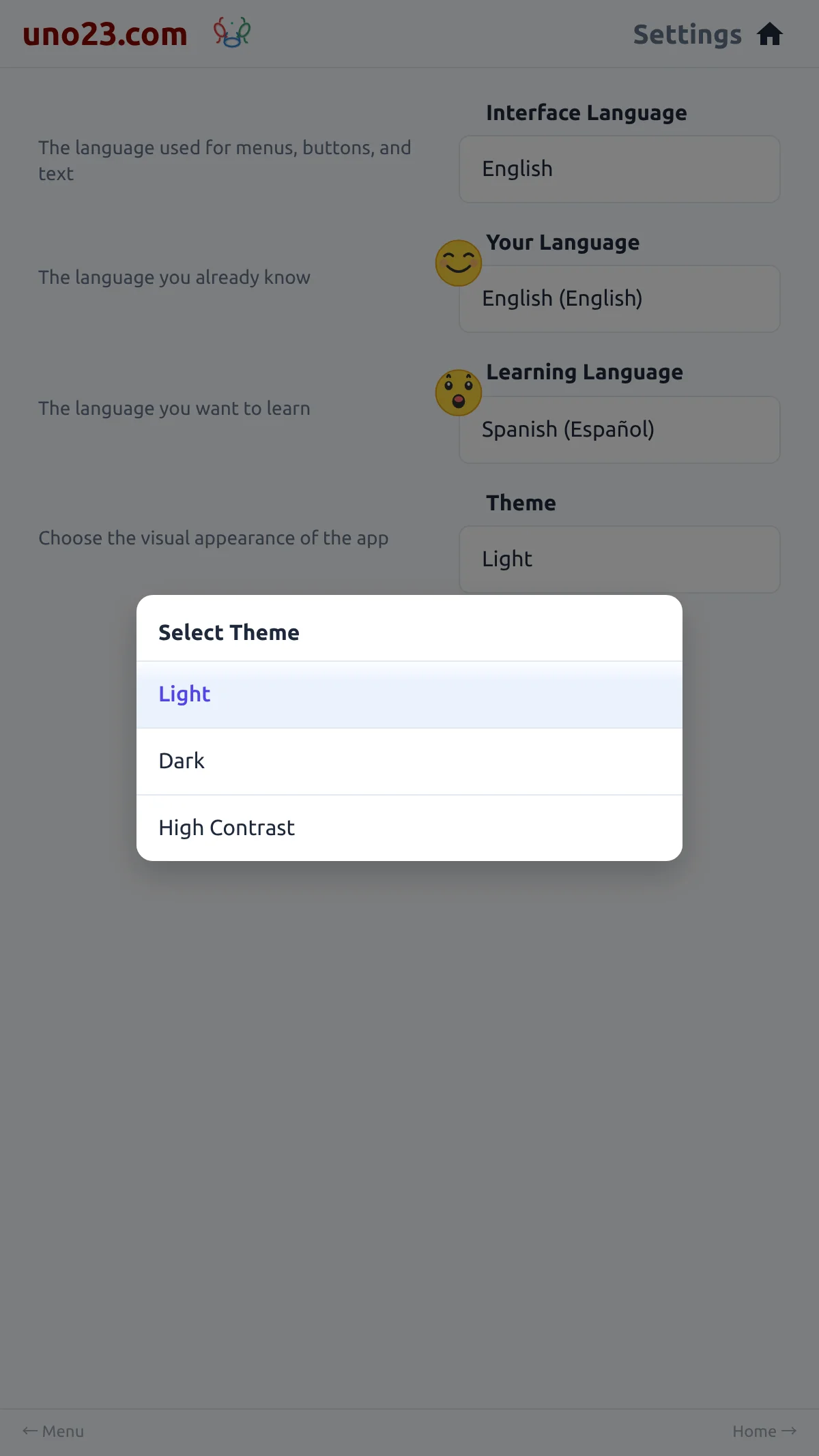
Light — the story list
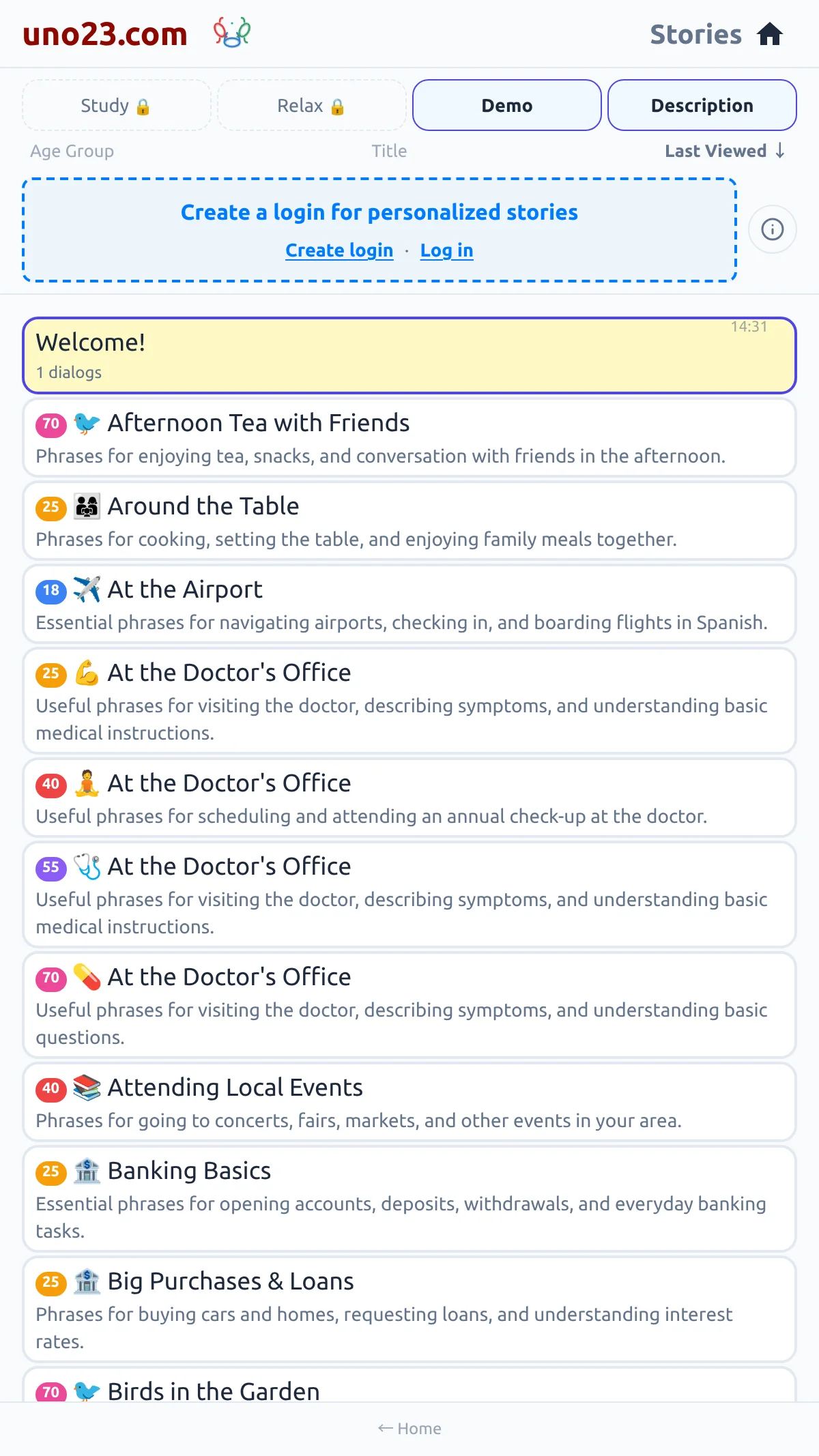
Light — reading a story
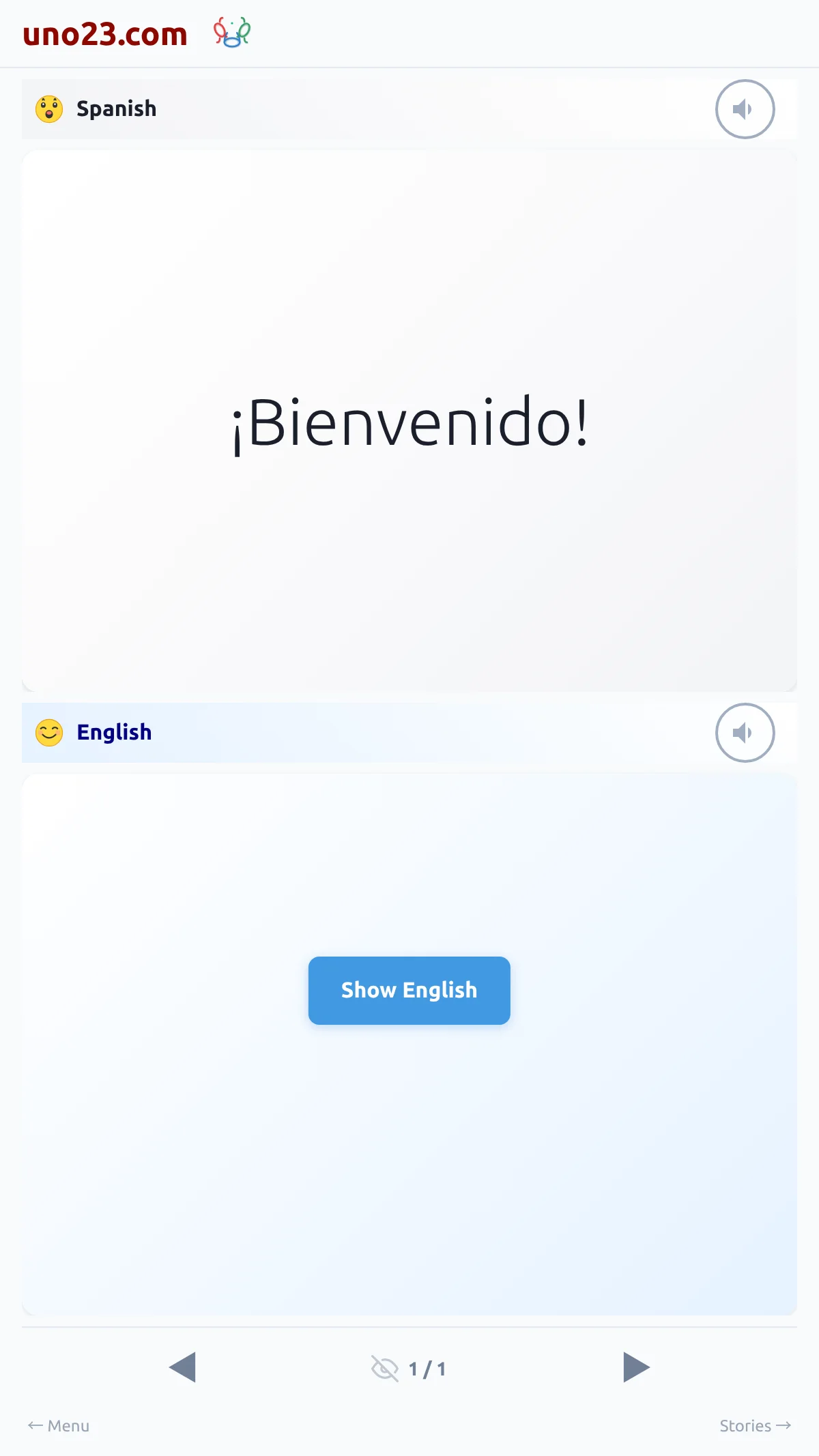
Dark — the story list
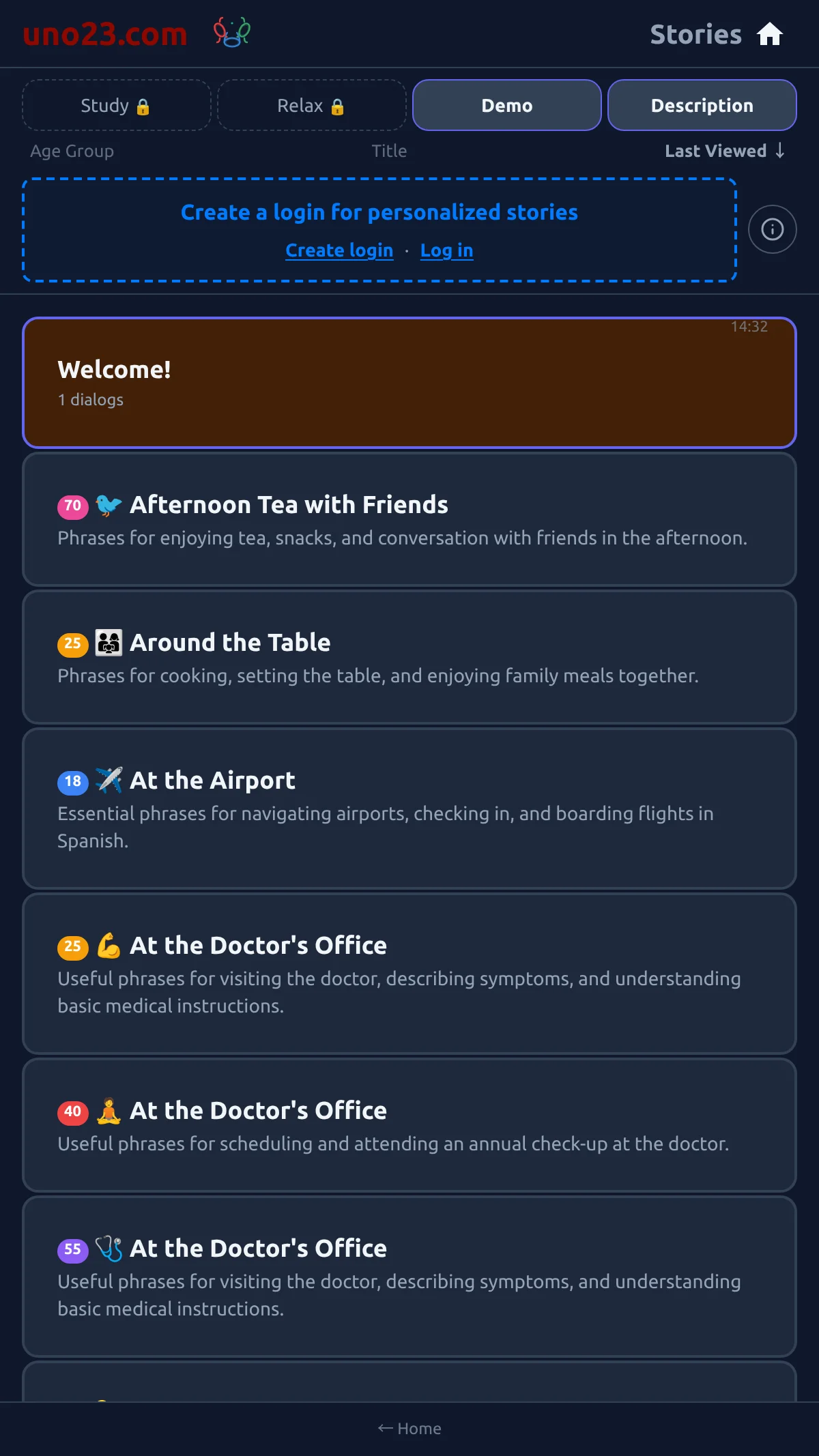
Dark — reading a story
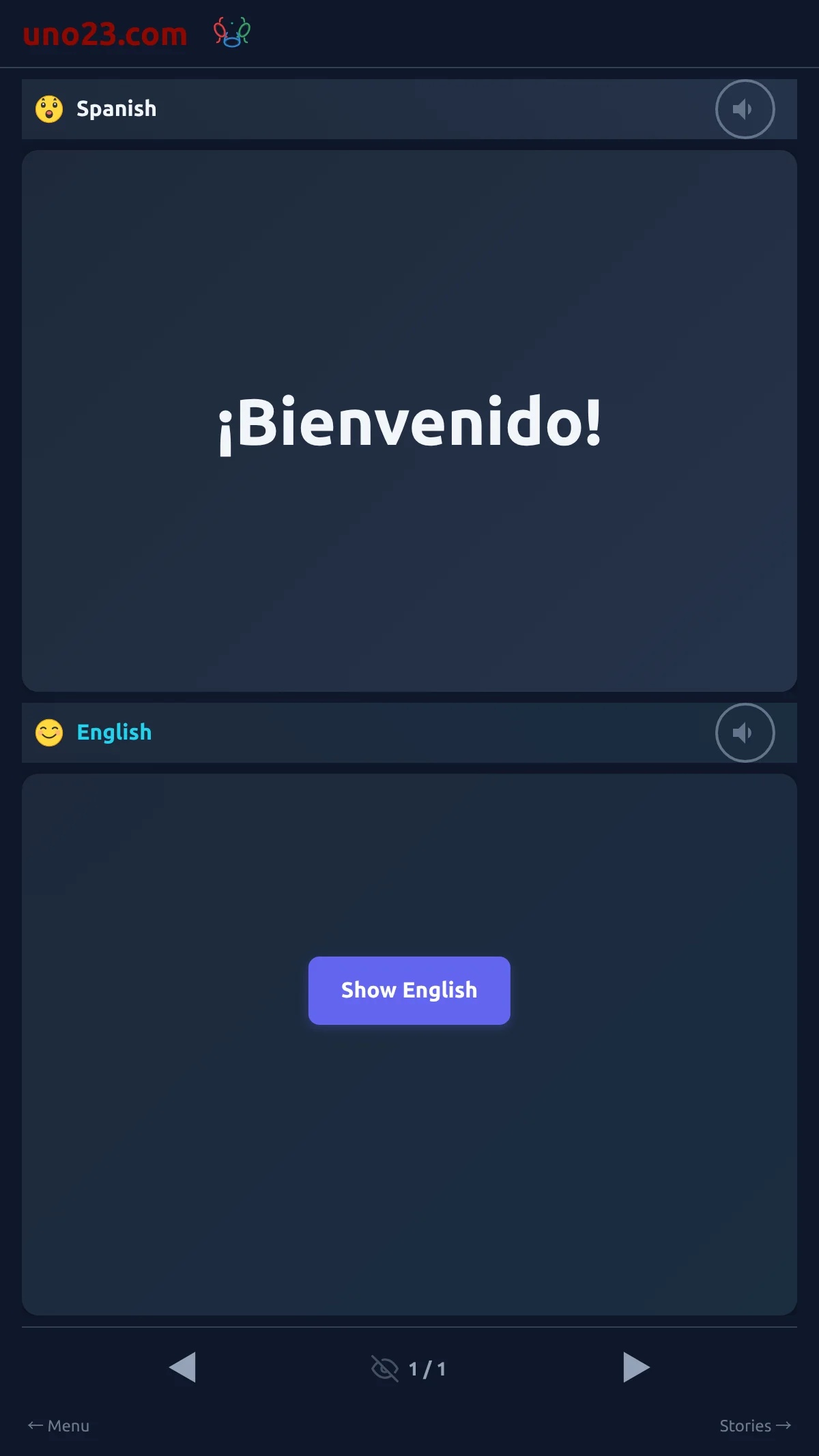
High Contrast — the story list
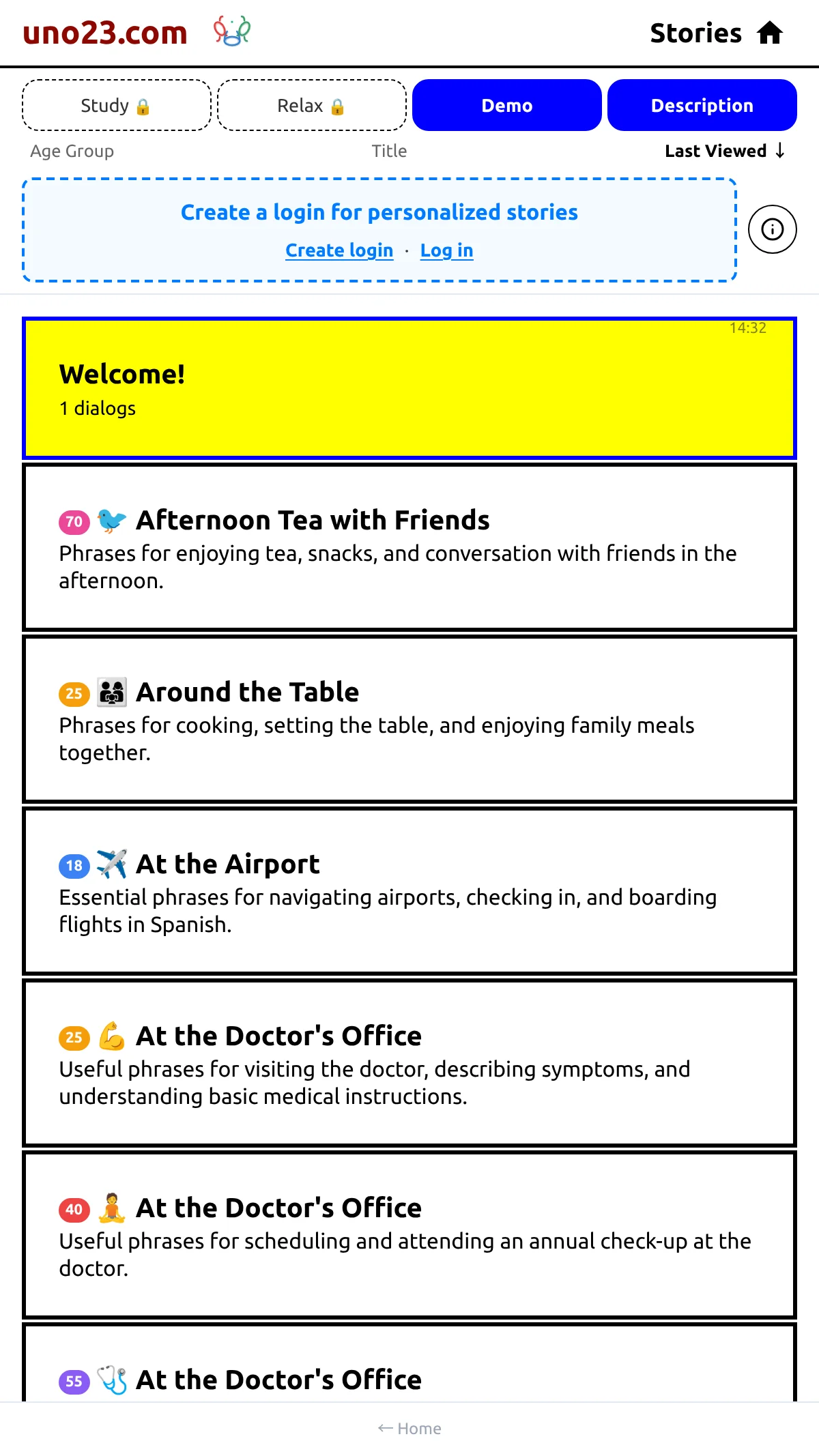
High Contrast — reading a story