The four sections

Inside Study Stories
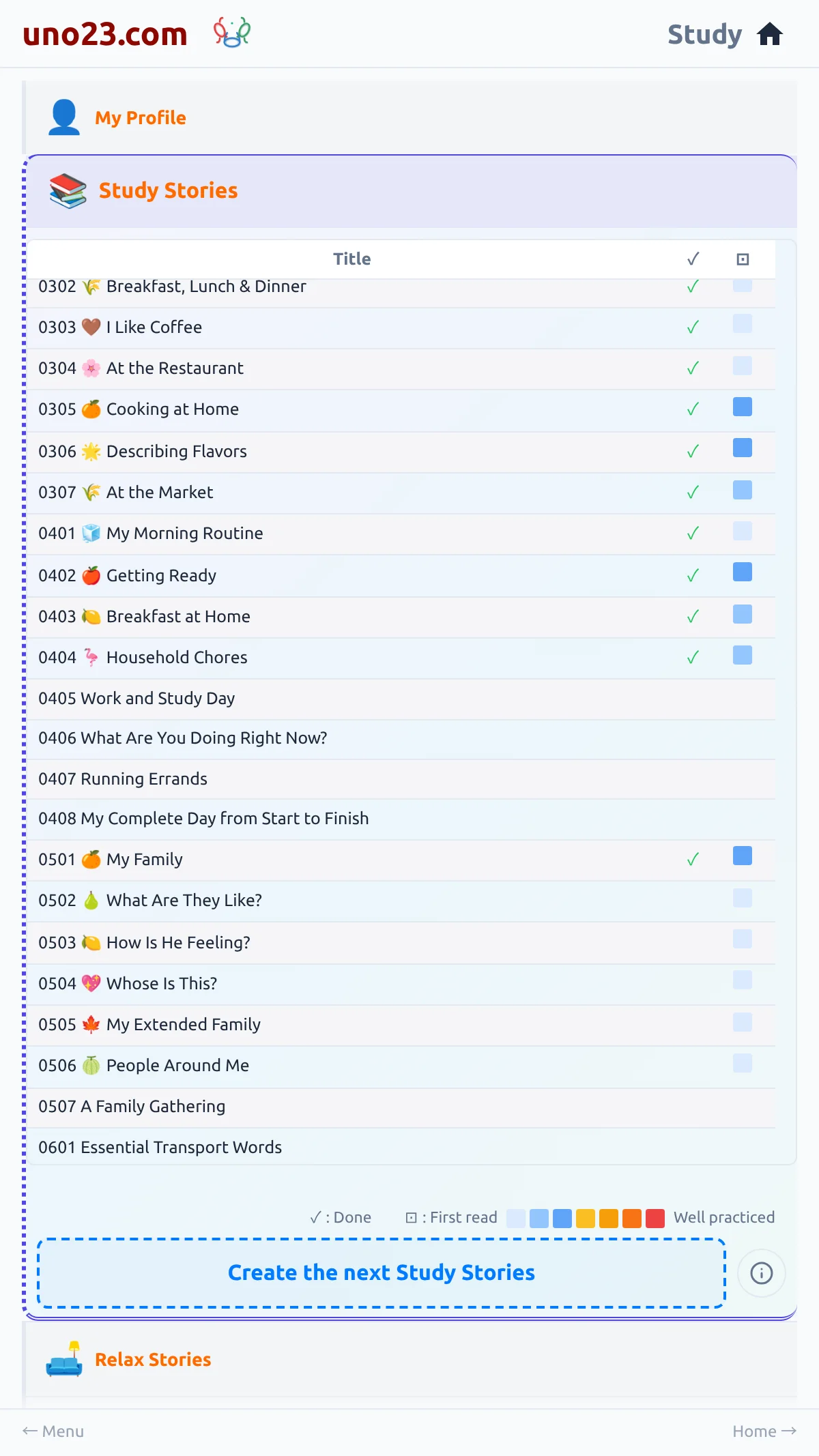
A list of your own study stories, in the app's own course order, level by level, each with its level and position at the front of the title:
- ✓ beside a story you have read to the end, and ▶ with how far into it you are beside one you have started
- a CONTINUE tag on the single story the app suggests you open next
- a coloured square showing how often you have repeated a story, with a legend explaining the colours
- the card Create the next Study Stories at the bottom of the section
Ticks, plays, repeats
How levels work
There are ten levels. Your level rises as you finish the stories in a topic, and the app moves you on to the next topic without asking which one you want.
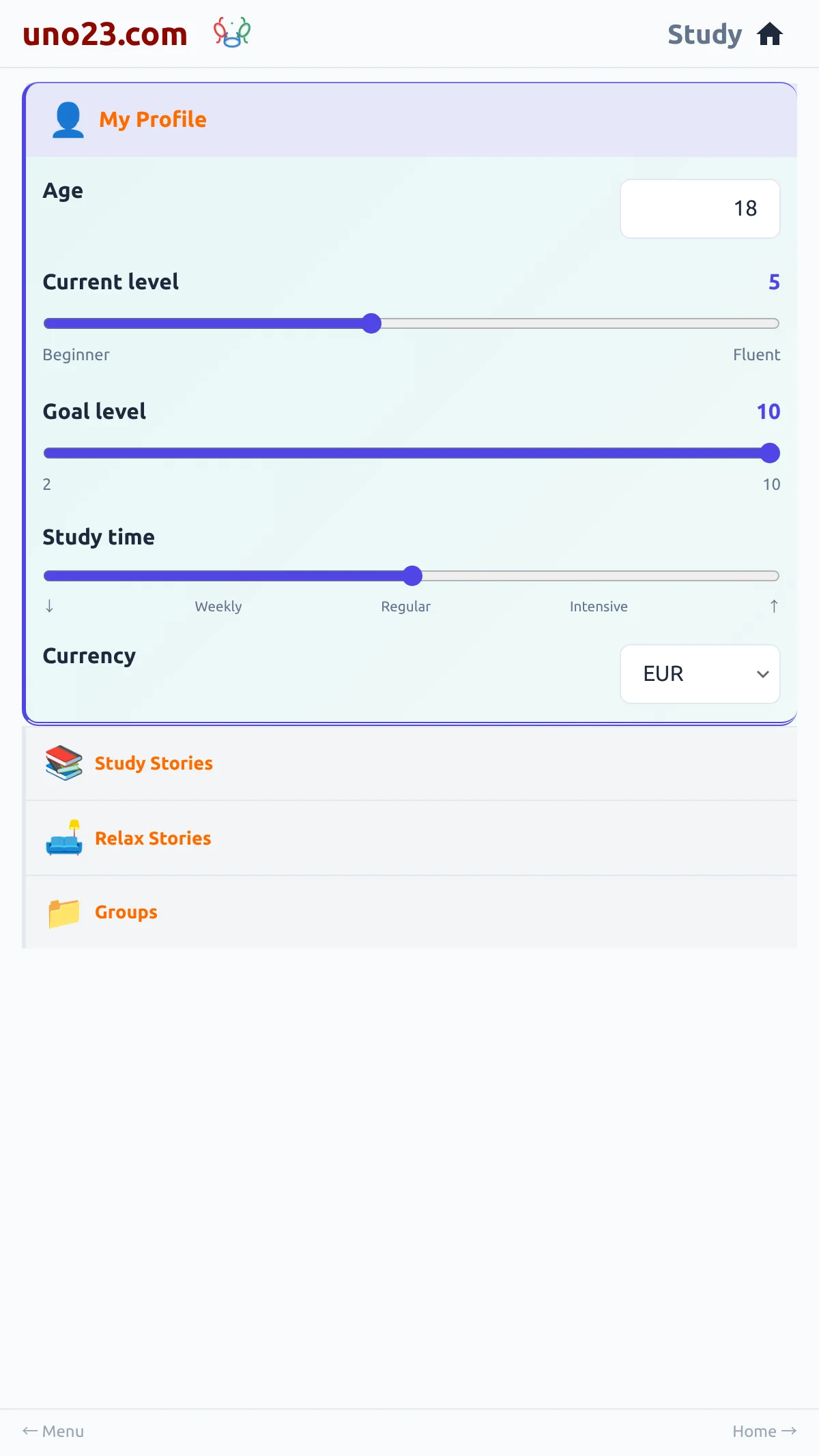
You can also set your own level with the slider in My Profile. Your own setting is a floor rather than a substitute: completing topics can push you past it, and moving the slider back down lowers it again whenever you like.
Setting your own level