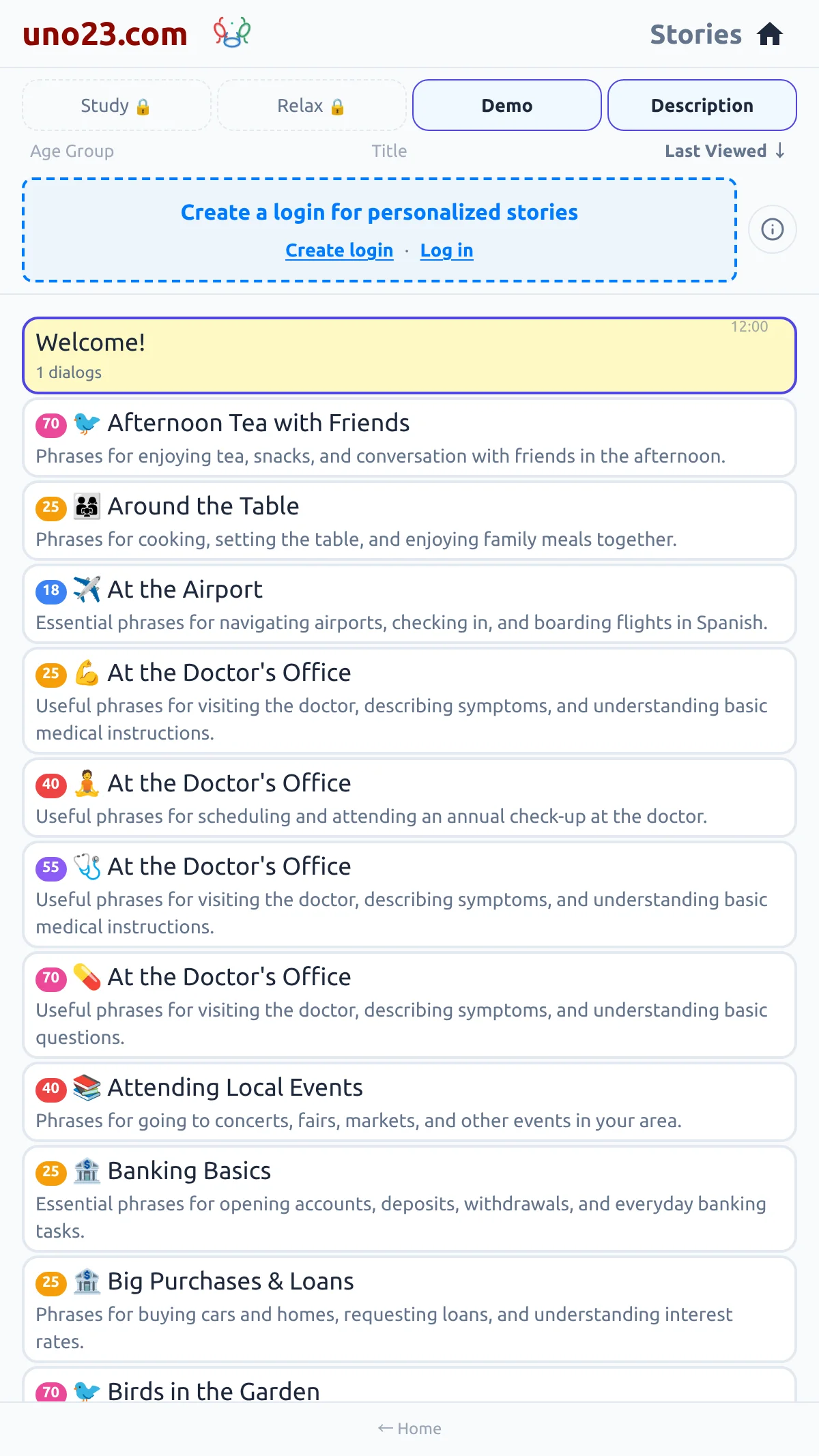
| Panel | Position | What it holds |
|---|---|---|
| Menu | Far left | The cards that open the rest of the app |
| Secondary panel | Next to the menu | One page at a time — Settings, Studies, Blogs, Videos, Credits, Comments and the rest |
| Reading page | Centre | The dialog you are reading, with its audio and translation controls |
| Story list | Far right | All of your stories, with a chip for each kind |
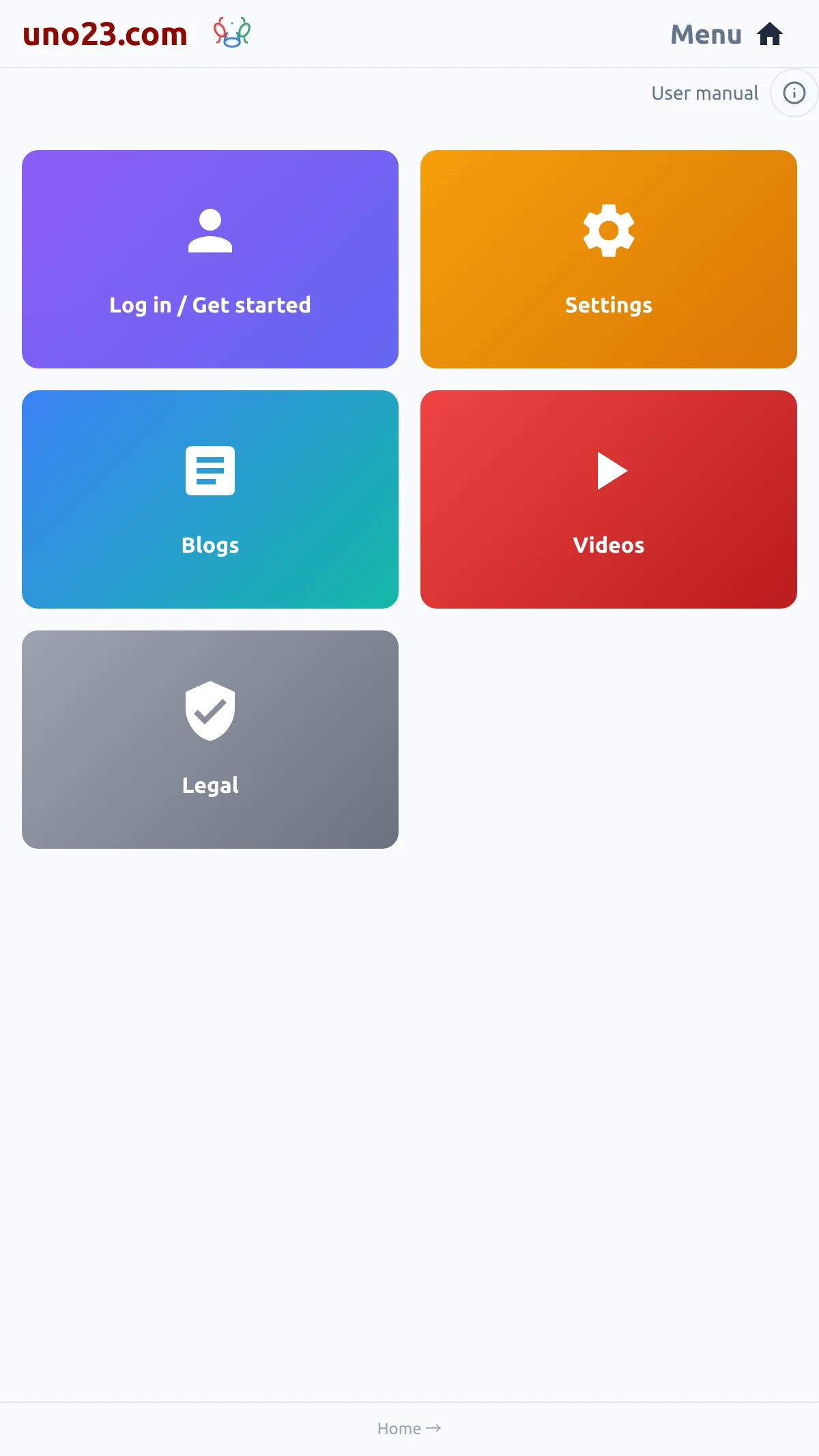
The hints at the bottom
Every panel shows hint links along the bottom, and they do exactly the same as a swipe. The reading page shows ← Menu and Stories →; the menu shows Home →; a secondary page shows ← Menu and Home →; the story list shows ← Home. There is no menu icon anywhere — a change of panel is always a swipe or one of these hints.

Browser Back and Forward
Your browser's Back and Forward buttons step through the panels you have visited, the same way the swipes do. The menu is the exception: opening it leaves the address untouched.