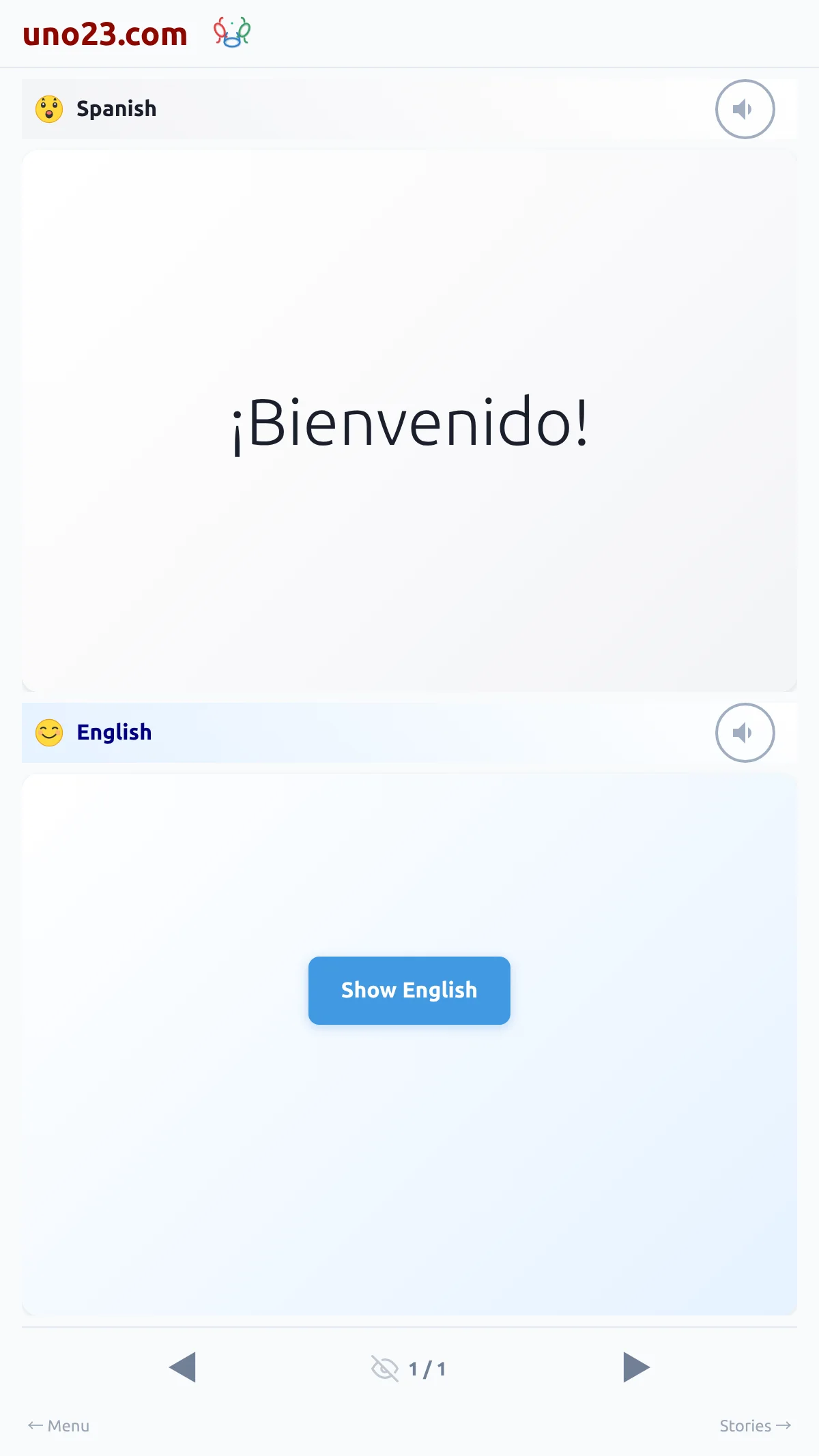
Step by step
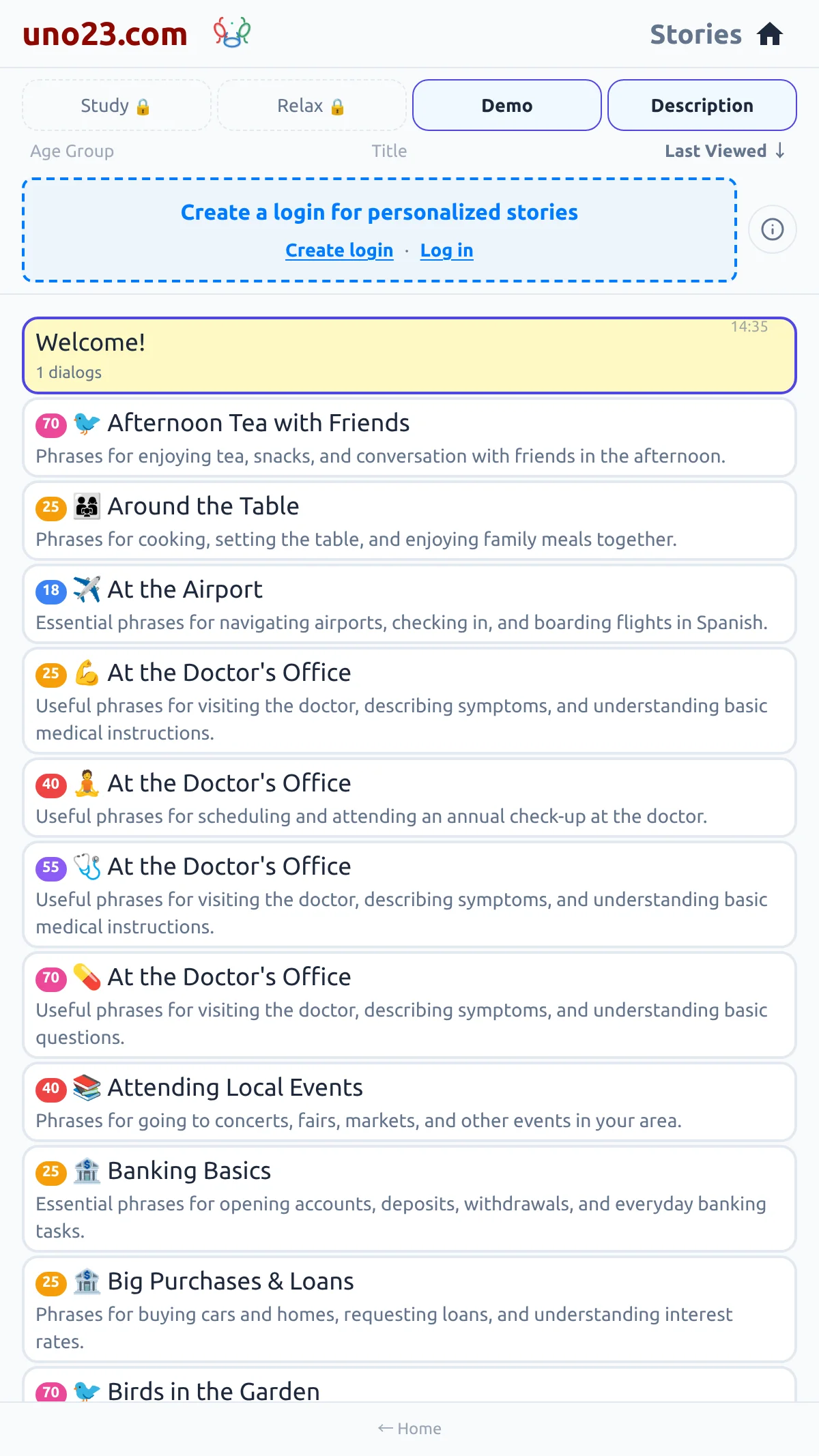
- Create a login — open the menu (swipe right from the reading page, or tap ← Menu) and tap Log in / Get started, or tap Create login on the card above your story list. Choose a username and a password; no email address is needed.
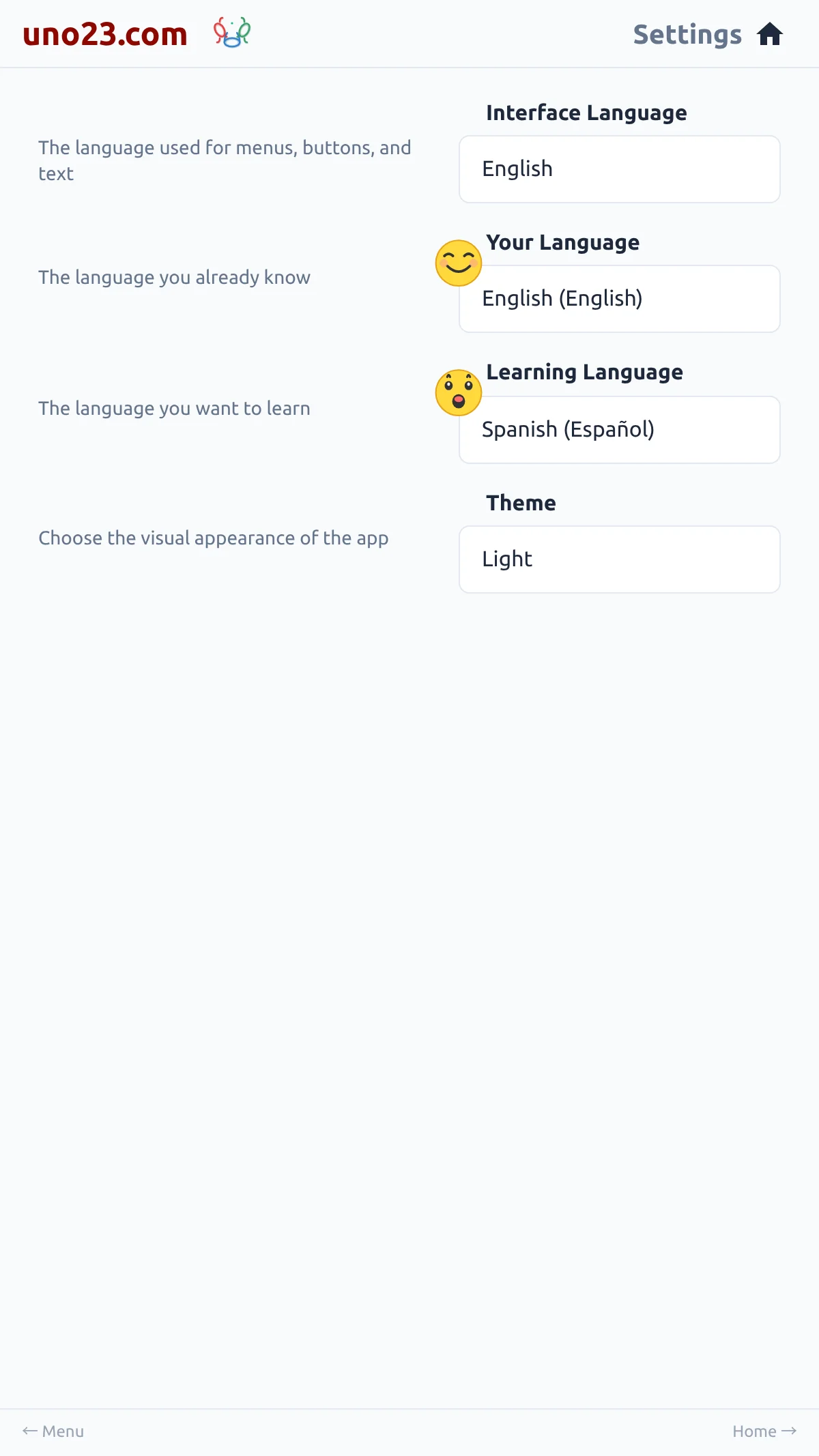
- Set your languages — in Settings, pick the language you already know and the language you want to learn. See Languages.
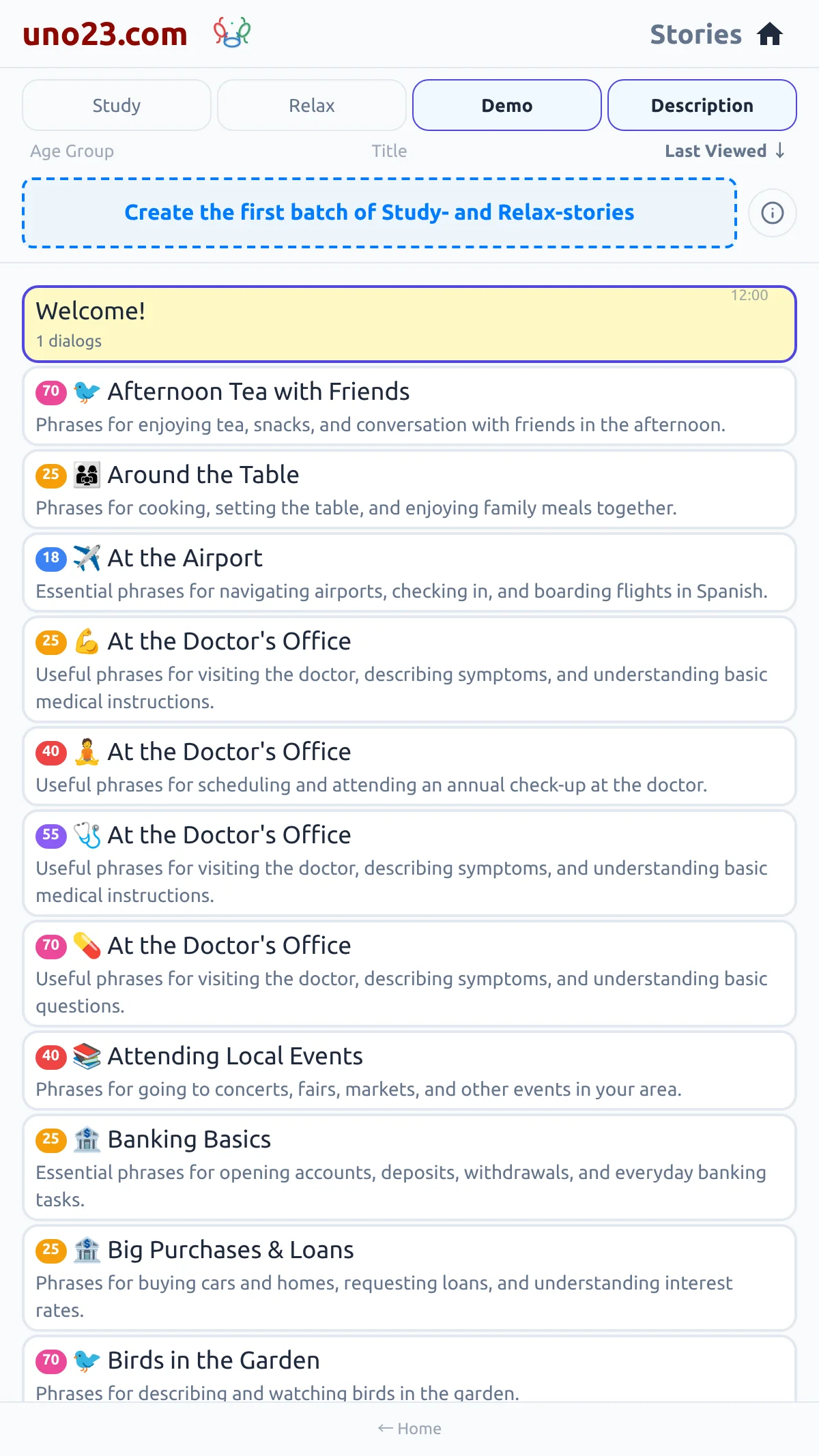
- Generate your first stories — tap the card at the top of your story list. The first time, it reads Create the first batch of Study- and Relax-stories, and it produces a starter set for your level in one tap.
- Open a story — tap any story card to start reading and listening.
- Move through the story — the ◀ and ▶ buttons at the bottom of the reading page step through it, one sentence or short paragraph at a time.
Step 1 — create a login

Step 2 — pick your pair
Step 3 — write your first stories
Steps 4 and 5 — read it