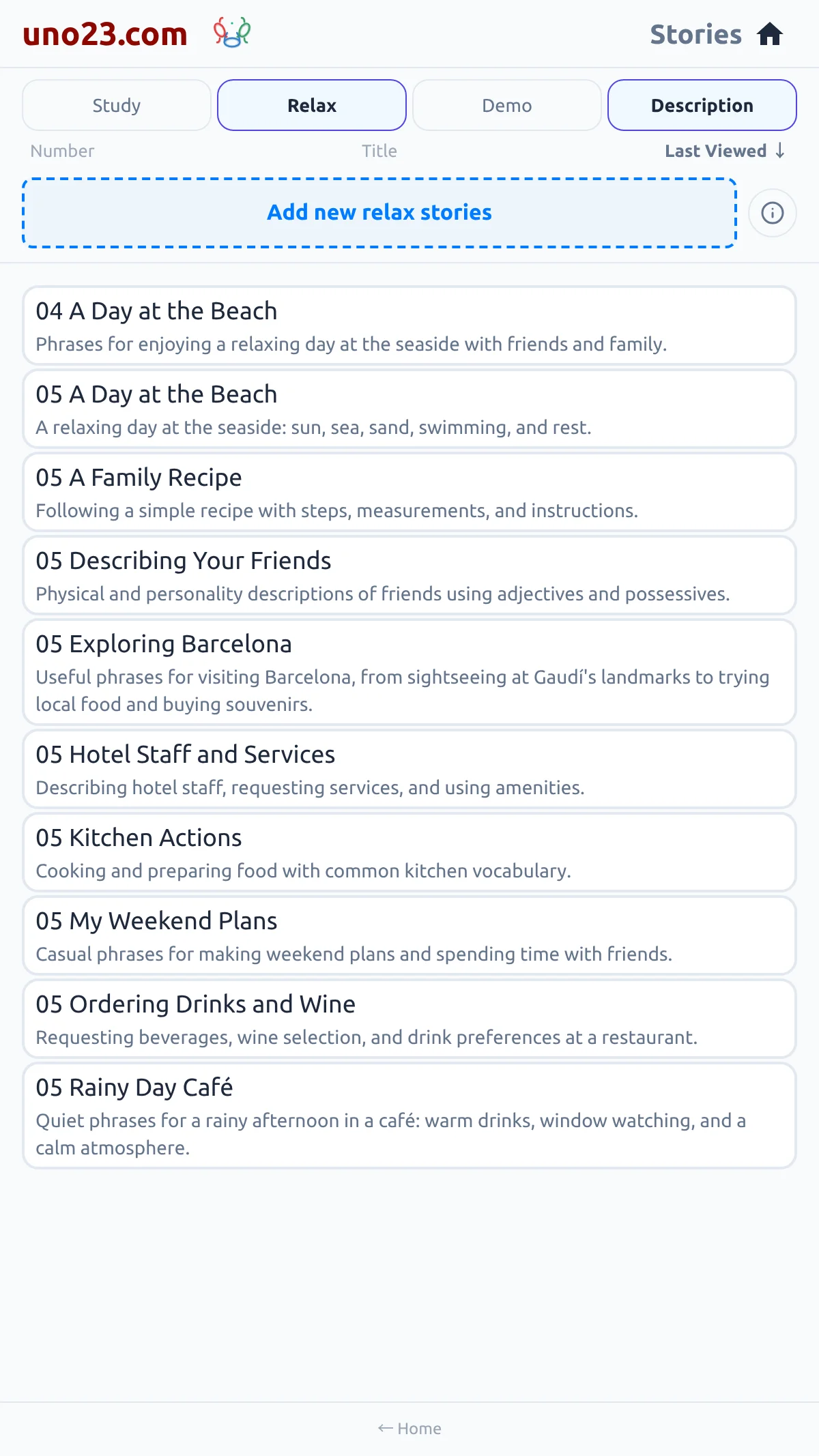
What the first two do
They create Study and Relax stories together in a single tap. You do not pick a topic or a level: the app chooses a sensible next set from your current level and the topics you already have, so there is always something fresh to read. When more than one kind of story is available at your level, the card asks first, offering a standard or an extended story; the extended form is longer and is a premium feature. Cancelling that choice does nothing.
The very first batch
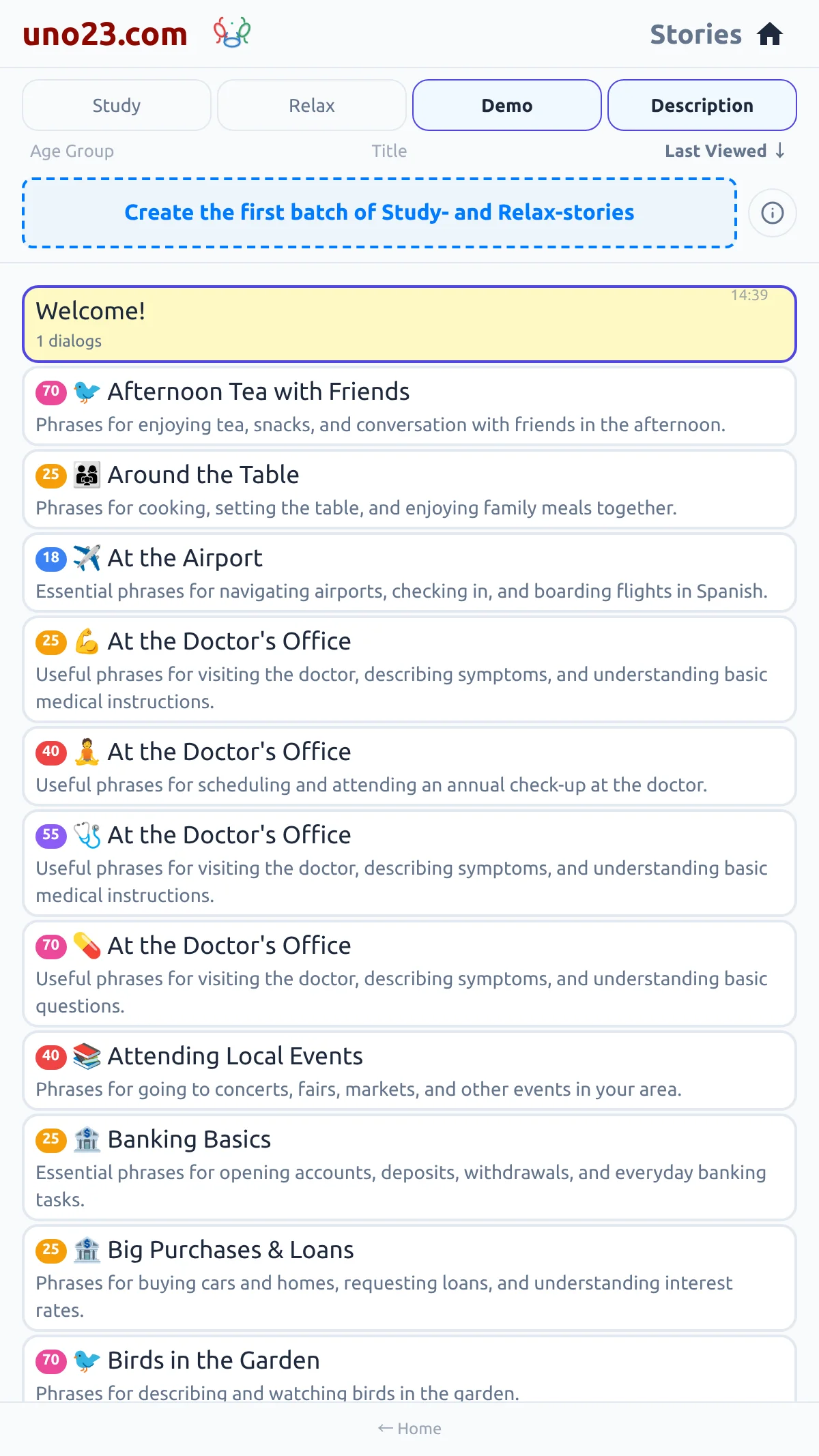

- Create the first batch of Study- and Relax-stories — the very first time, when you have no study stories yet
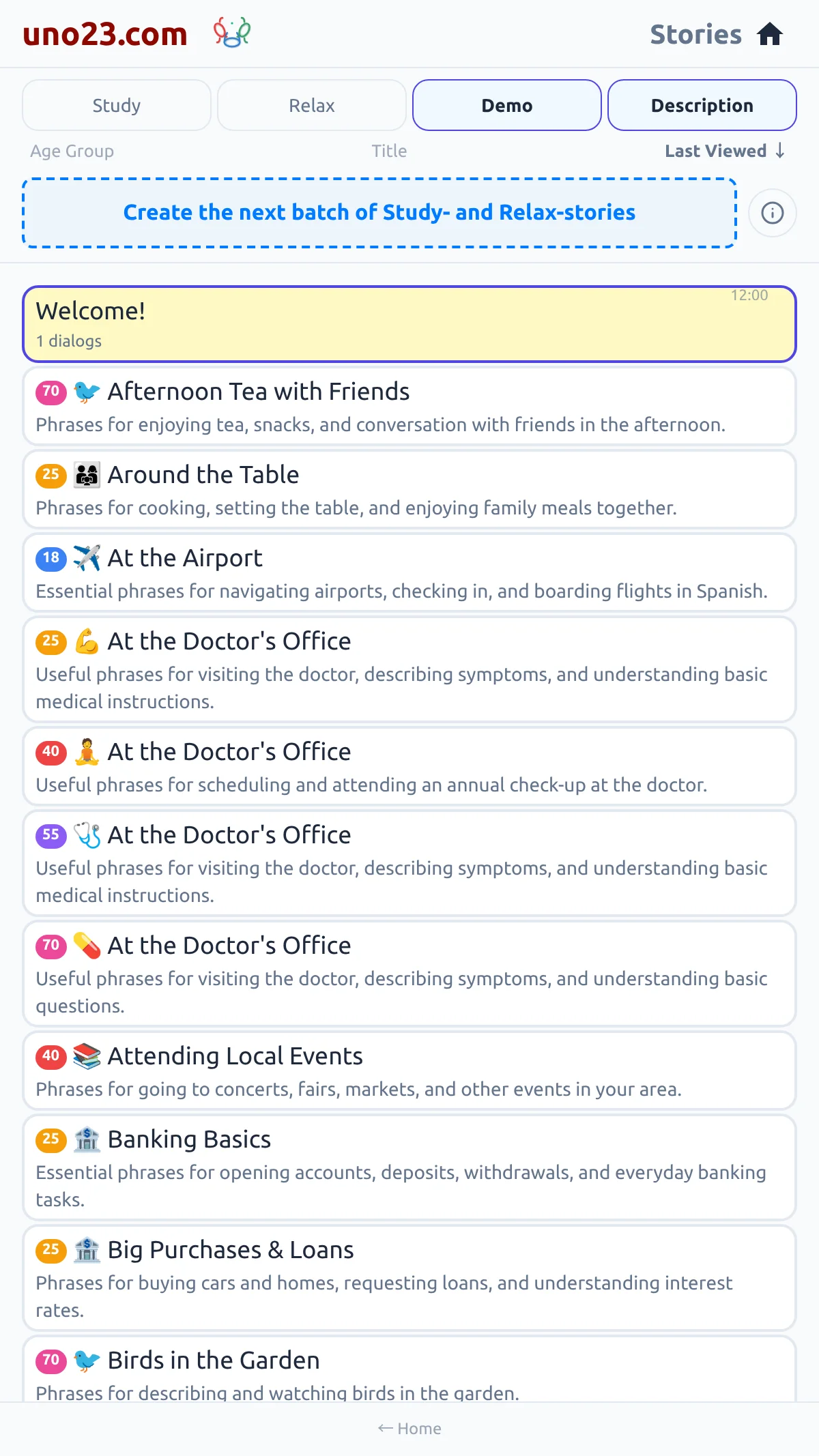
- Create the next batch of Study- and Relax-stories — once you have some
- Add new relax stories — when the Relax filter is active
The next batch
Add new Relax stories