| Tema | Qué es |
|---|---|
| Claro | La apariencia brillante predeterminada |
| Oscuro | Una apariencia oscura, más fácil para la vista por la noche |
| Alto contraste | Mayor separación entre el texto y el fondo |
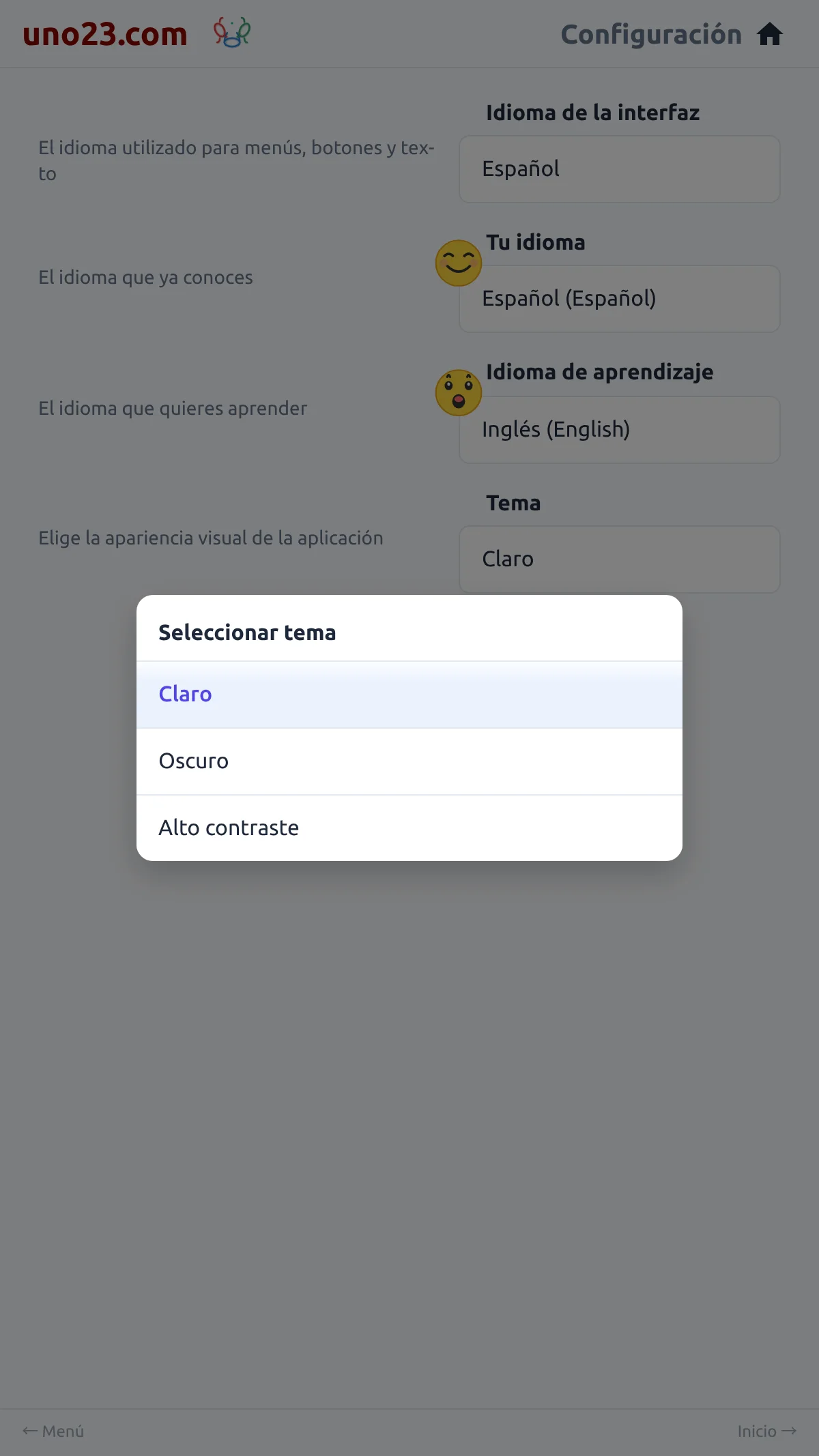
Elegir uno repinta toda la app de inmediato — sin recargar, sin confirmación. La fila Tema en Ajustes siempre muestra el tema en el que estás; al tocarla se abre un selector titulado "Seleccionar tema" con los tres nombres.
Tu elección sobrevive a una recarga, y mientras tienes la sesión iniciada se guarda en tu login, así que te sigue a otro dispositivo.
The picker
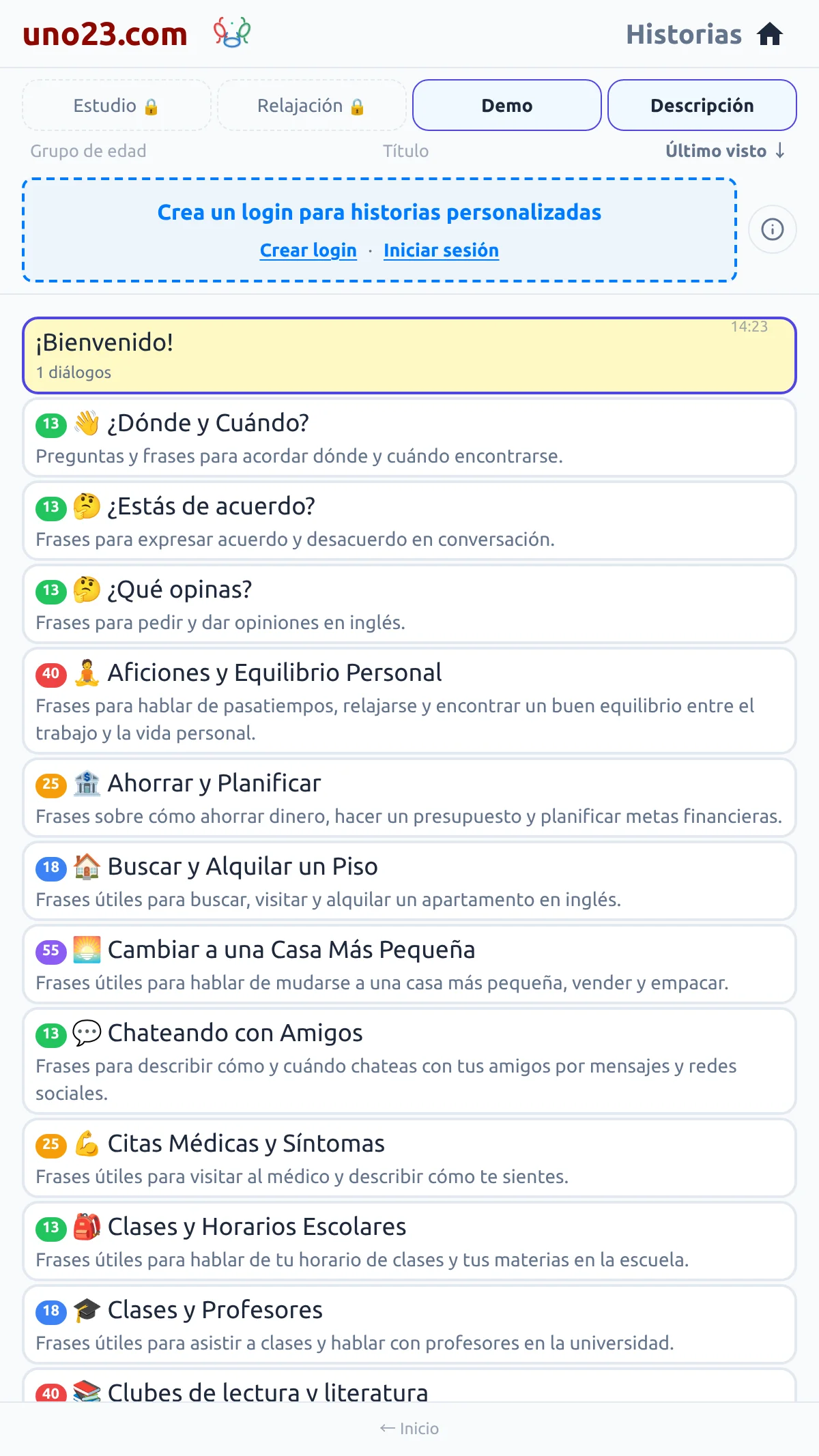
Light — the story list
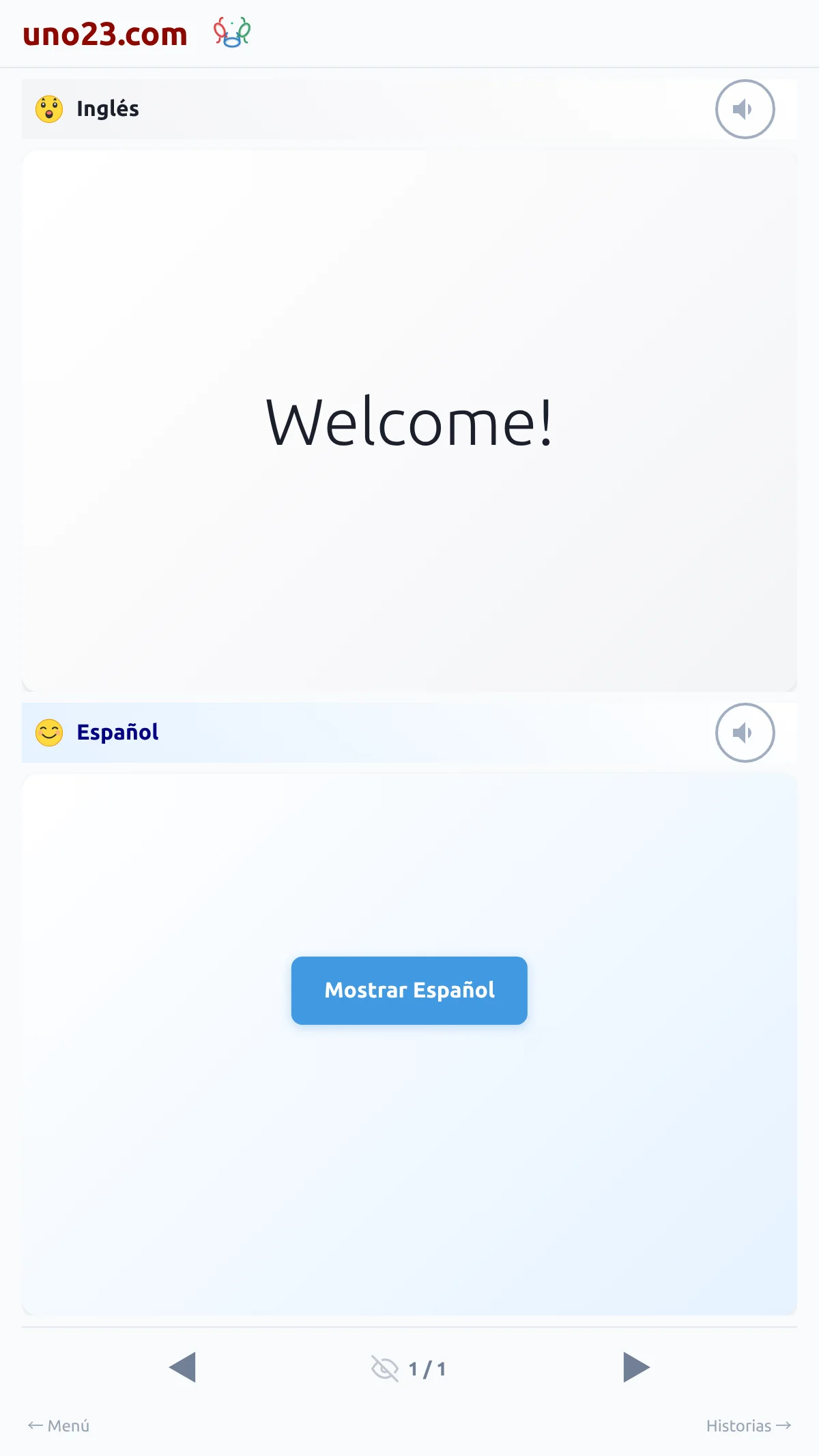
Light — reading a story
Dark — the story list
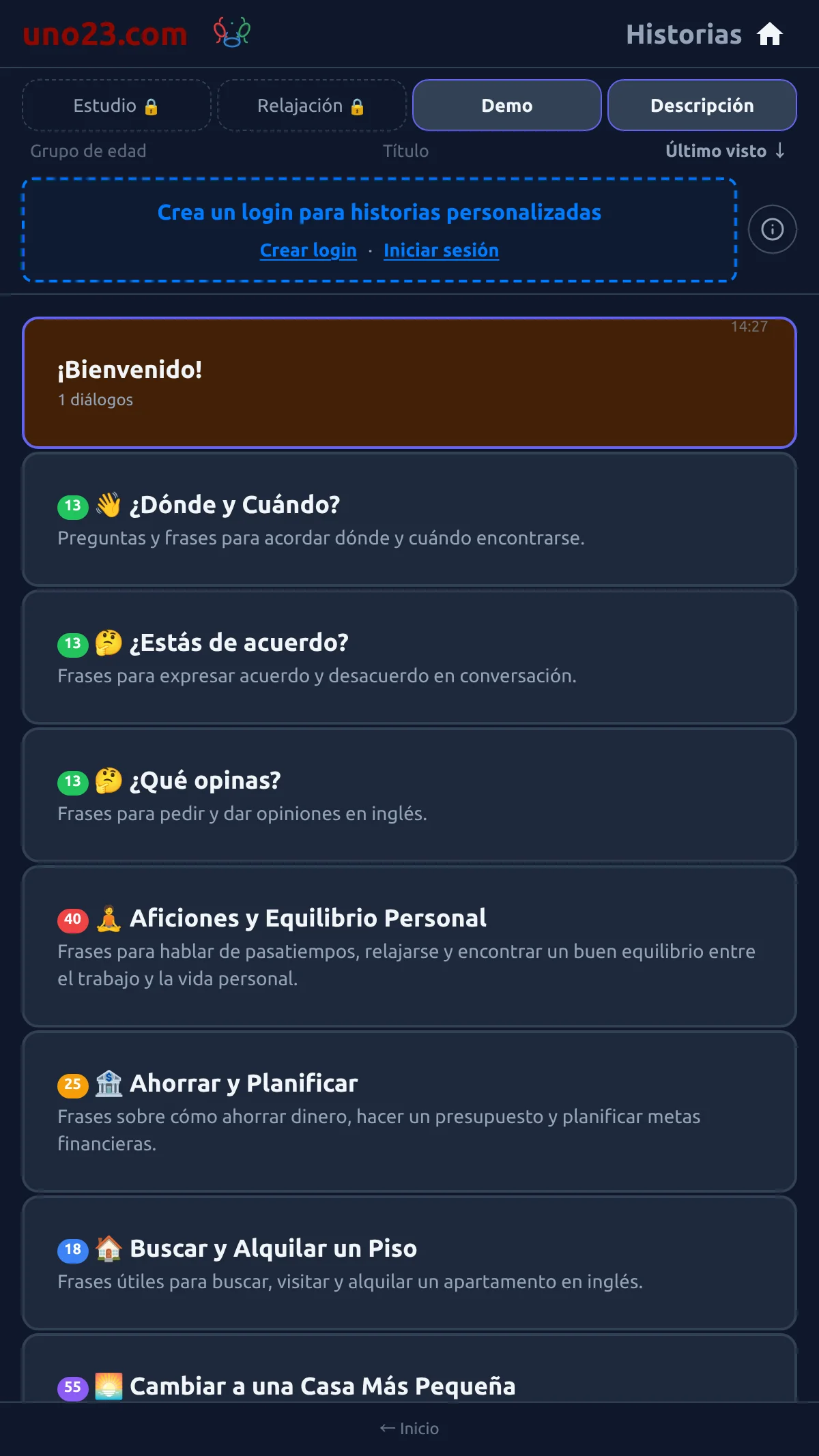
Dark — reading a story
High Contrast — the story list
High Contrast — reading a story