Choosing what you see
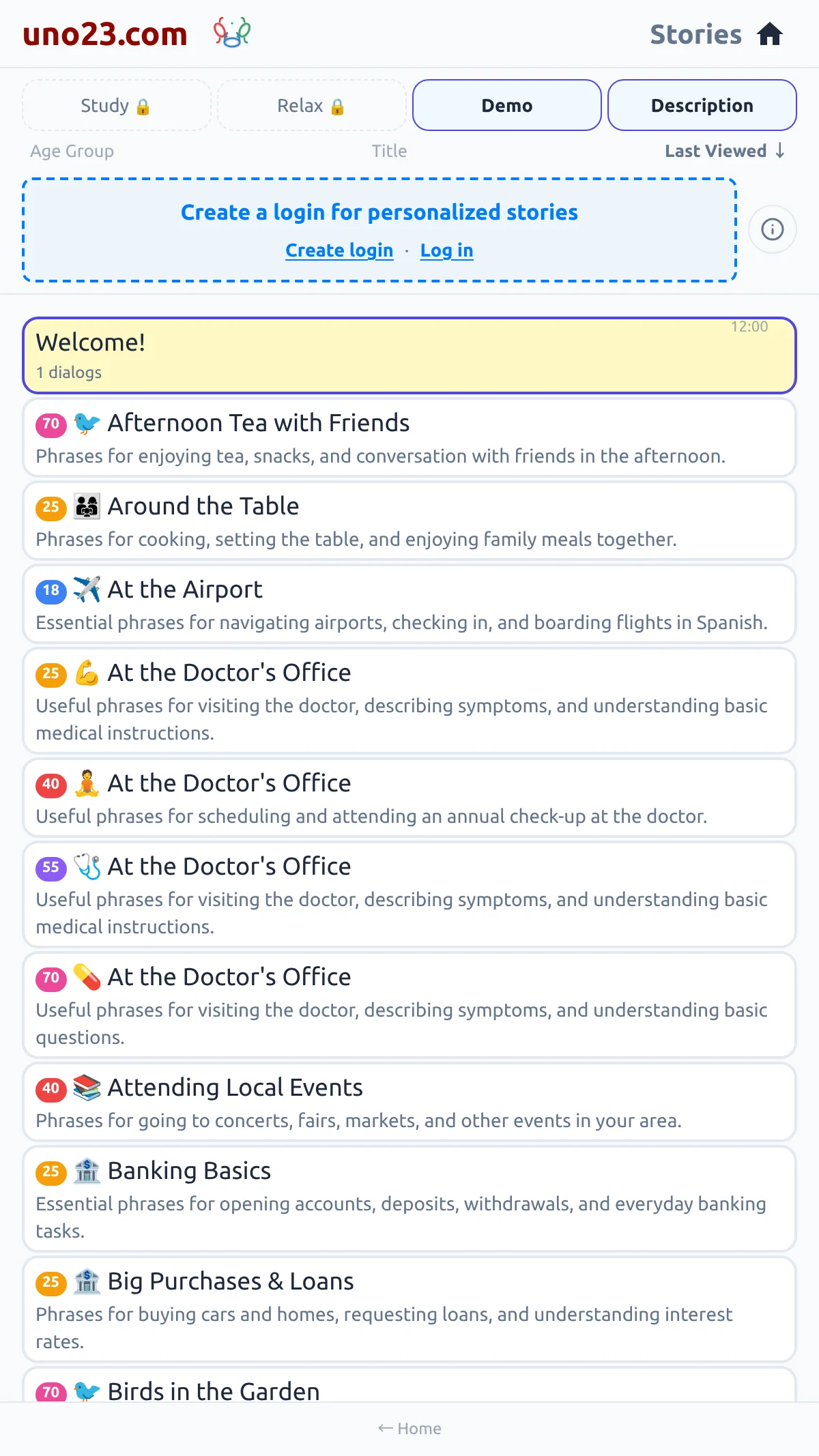
A row of chips across the top shows one kind of story at a time: Demo for the free samples, Study for your course stories, Relax for the reading you asked for yourself, and Groups if you are a premium member. The active chip is highlighted. If you are not logged in, the Study and Relax chips are shown greyed out, and tapping one offers to create a login.
Beside them, a Description control shows or hides the one-line summary under each title.
The chips, anonymous
Ordering the list
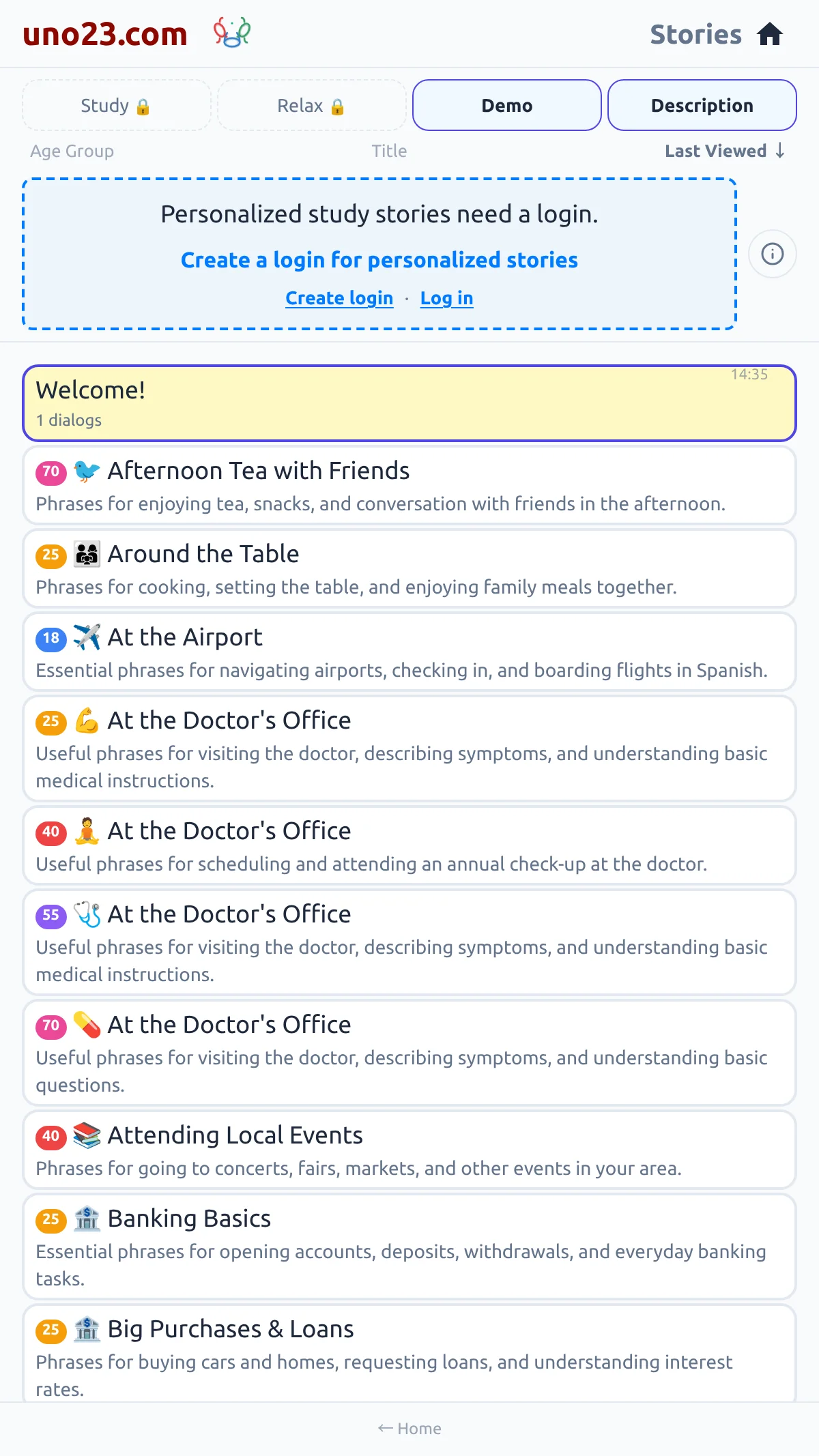
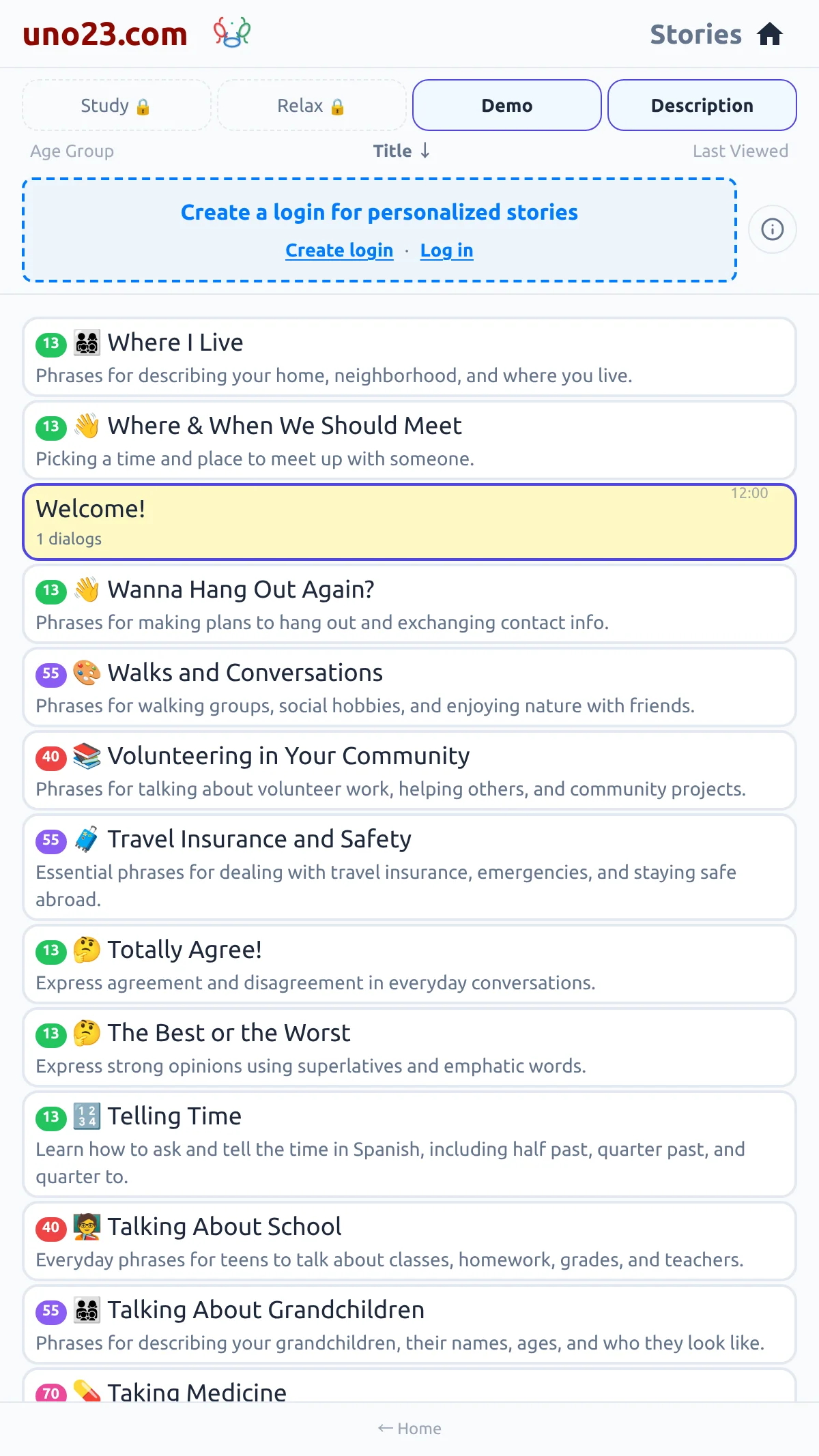
Three buttons reorder it — Number, Title and Last Viewed — and the active one carries an arrow. Pressing the active button again reverses the order. On the Demo chip, Number is labelled Age Group. The order you choose is not remembered when you reload the page.
Ordering the list
What a card tells you
Each card carries the story's title, how many lines it has, and when you last read it. Study stories show their level and position in your course at the front of the title, and an ornament beside it; that little picture is there to help you recognise the story at a glance — it carries no other meaning.
Once you are logged in, cards also show how far you have got:
What a card tells you