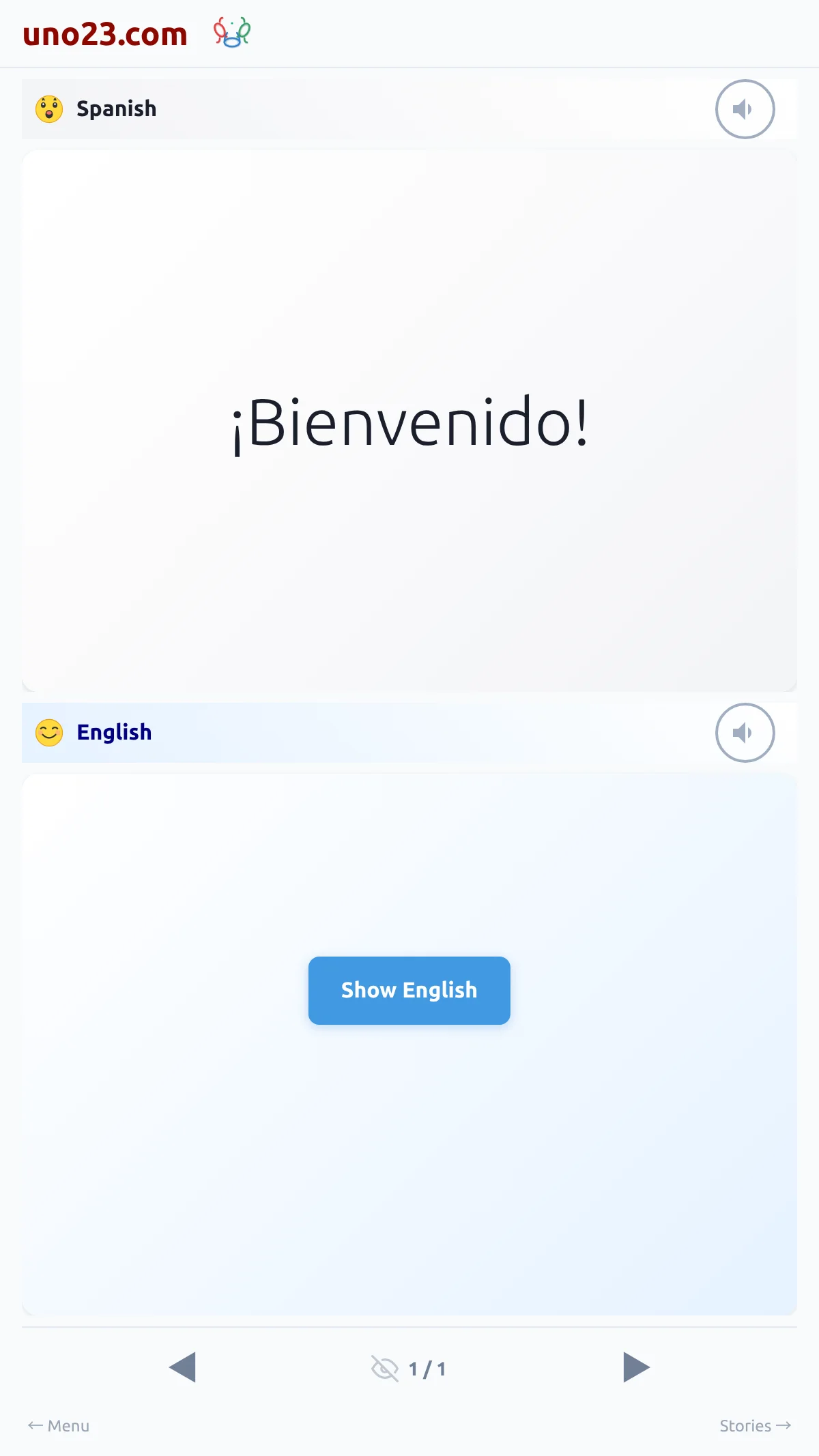
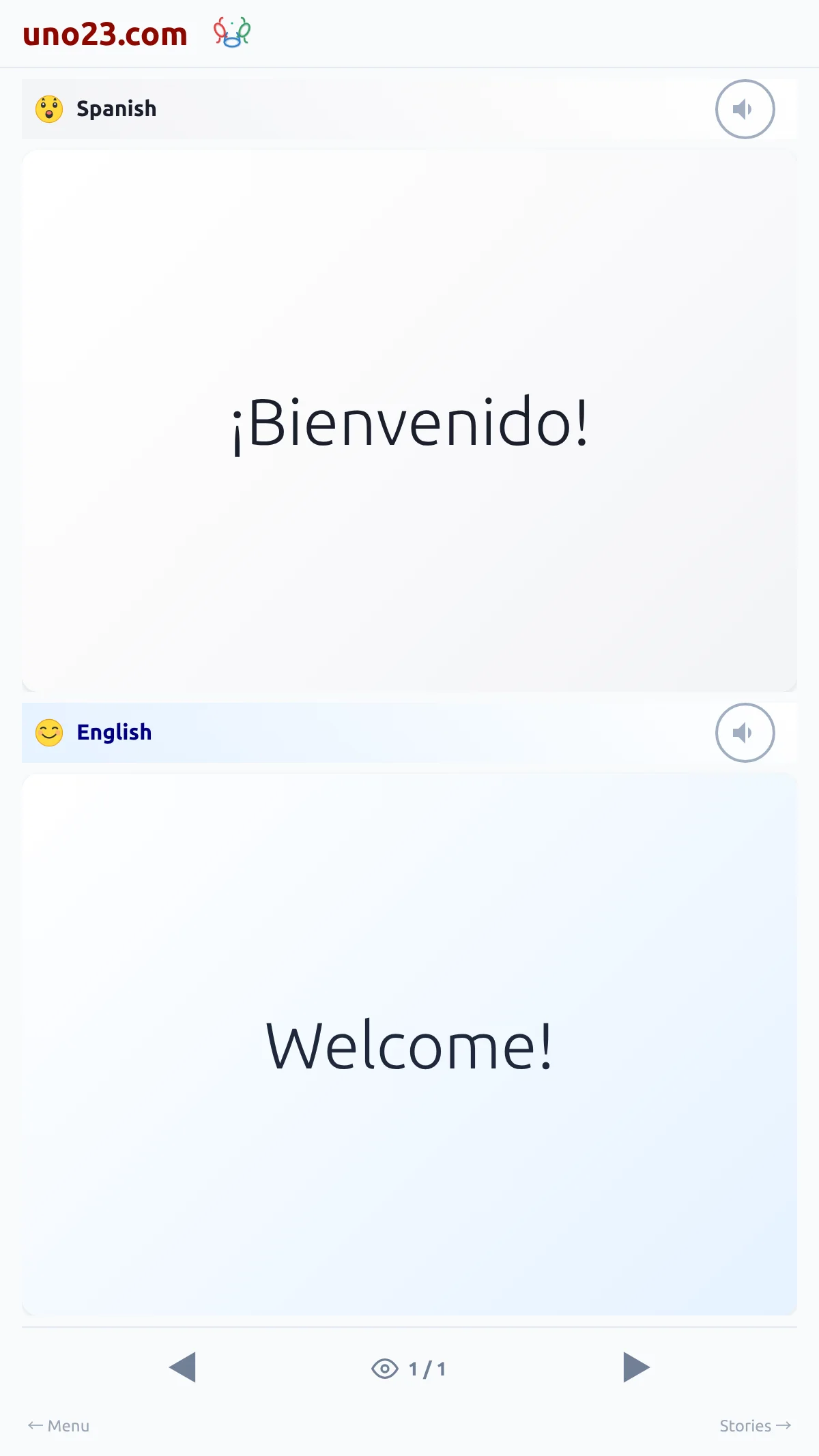
It starts off, so each new dialog hides the translation and you work out the meaning first. When you want help with one dialog, a button appears over the translation area reading Show your language — "Show English" for an English reader, "Mostrar Español" for a Spanish reader, and so on. Tapping it reveals that dialog's translation; the next dialog hides it again.
Hidden by default