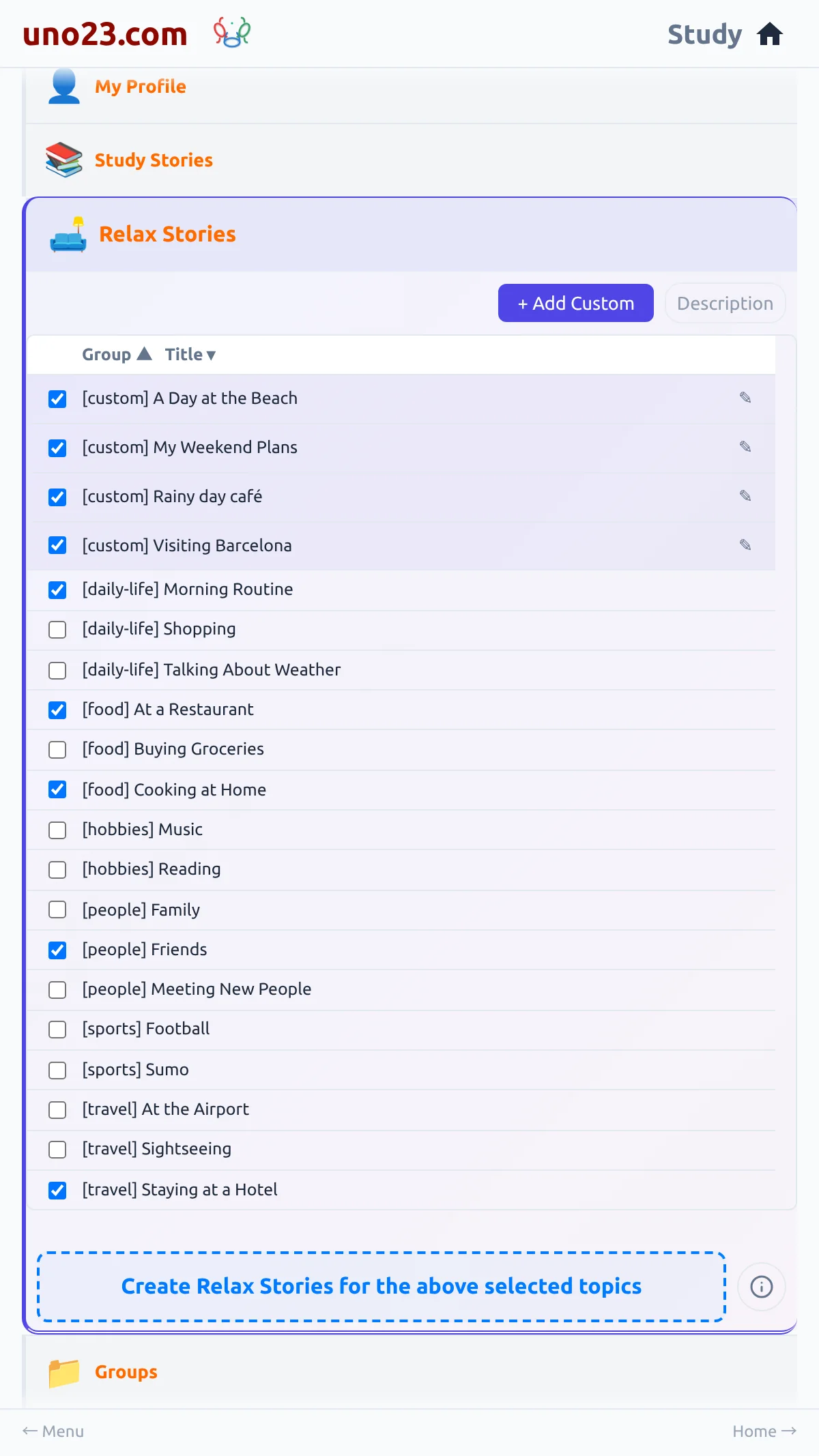
What you can do here
- Tick the topics you want — your selection is saved to your login, so it is still there next time
- Re-read a story you already have — a topic that has a story is clickable and opens it
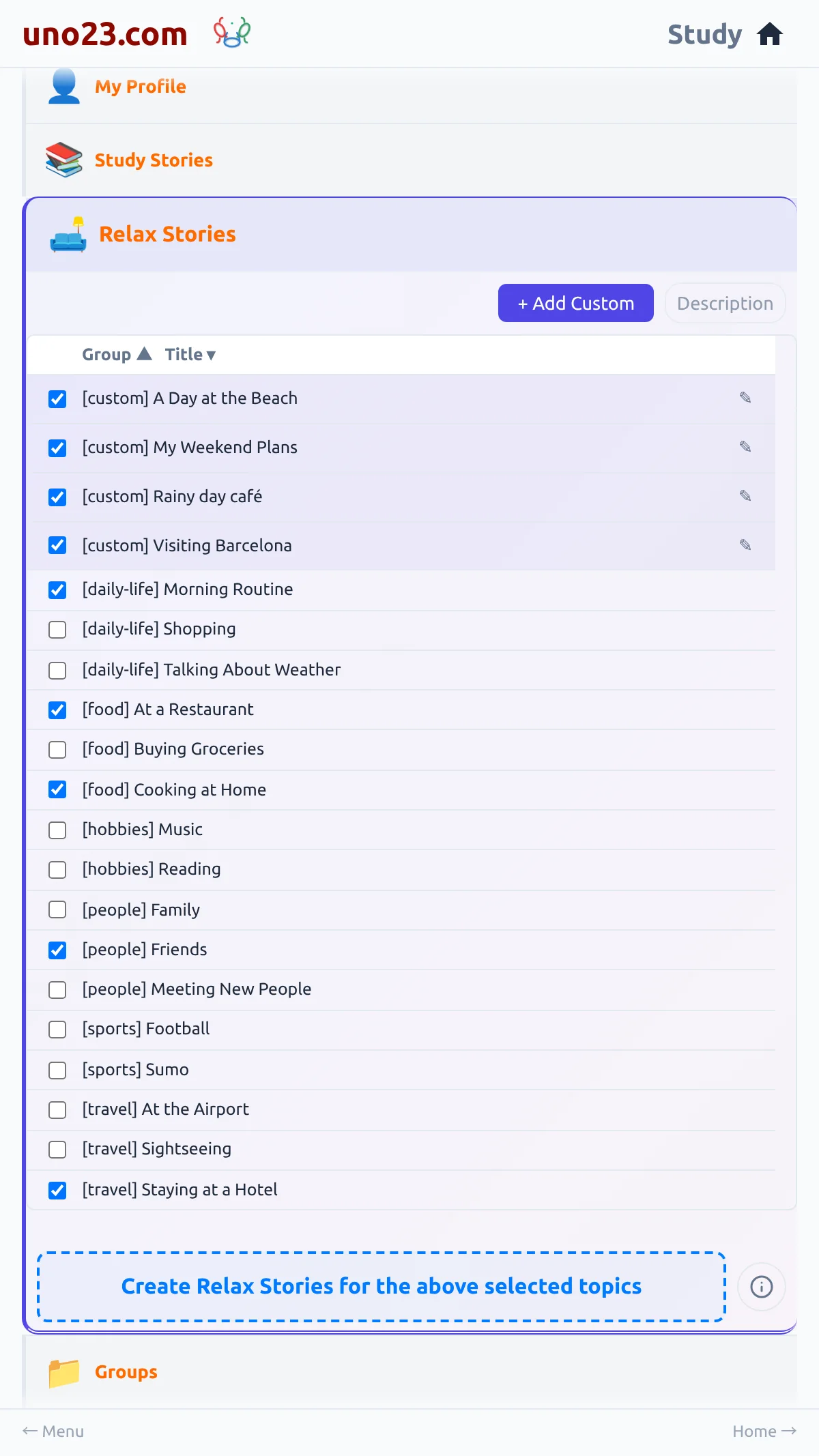
- Sort the list — by Group or by Title; click either header to flip the order
- Show or hide the descriptions — the Description toggle
- Add a topic of your own — + Add Custom, see Creating Relax Stories
The panel

Sorting and descriptions
What you cannot set
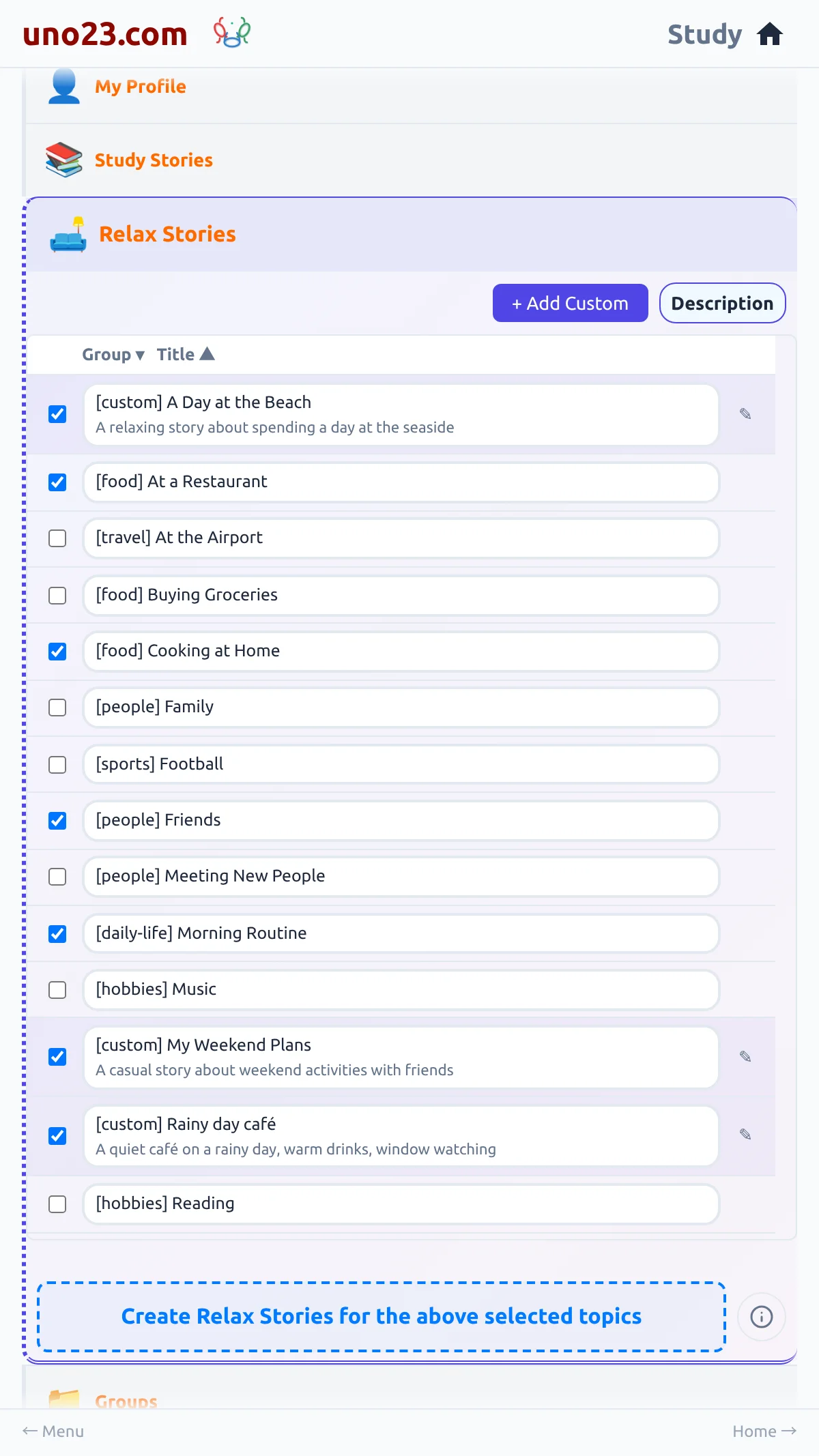
There is no story-length control in Relax — nothing short, medium or long to pick between; every relax story is written to the same length. The reading level is not yours to set either: it follows how far your study reading has got.
Nothing to configure
Relax and Study together
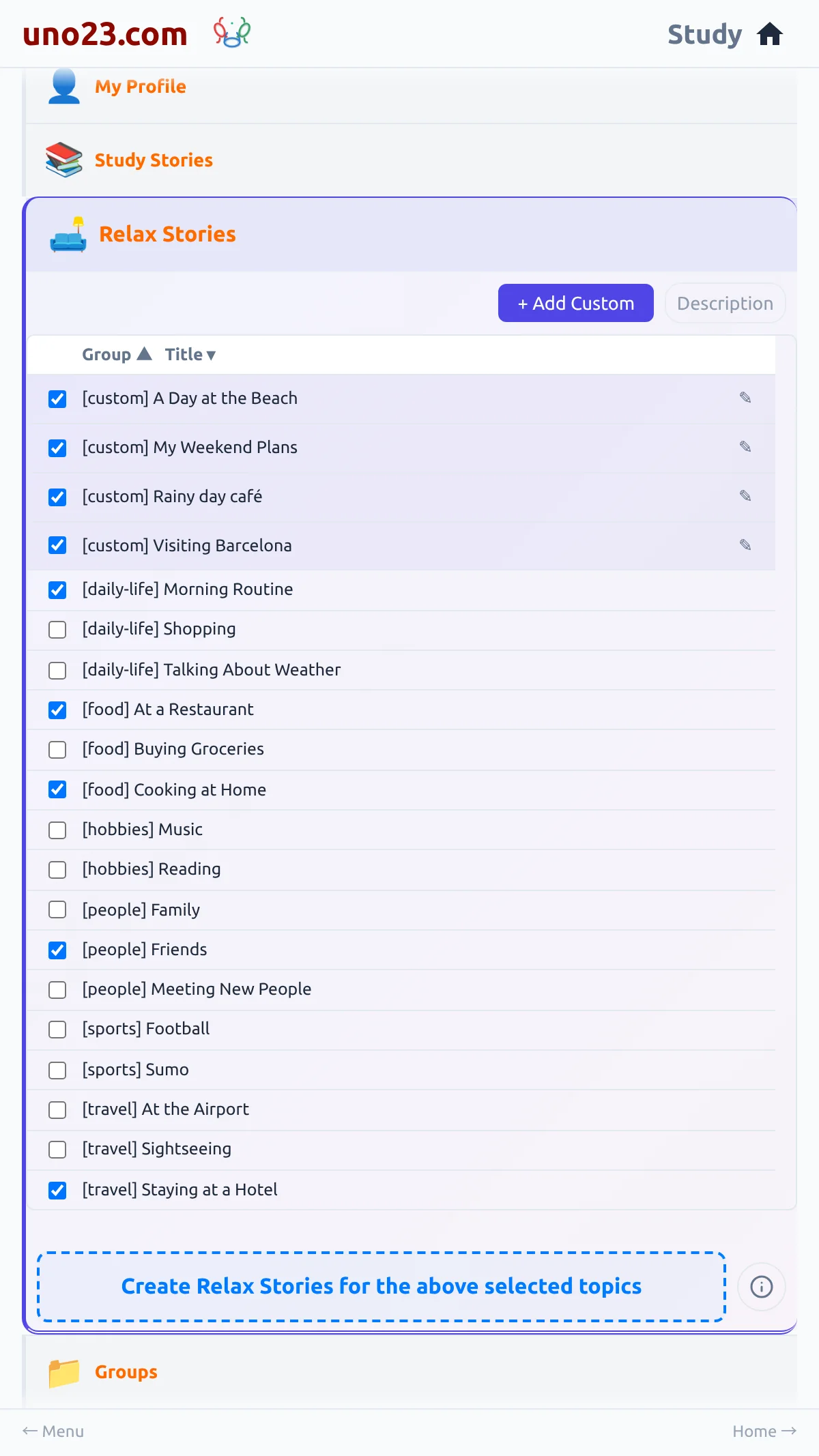
Study stories follow a progression path; Relax stories follow your curiosity. Both build your language. Use Study for disciplined daily work and Relax for exploration.
Study and Relax, side by side