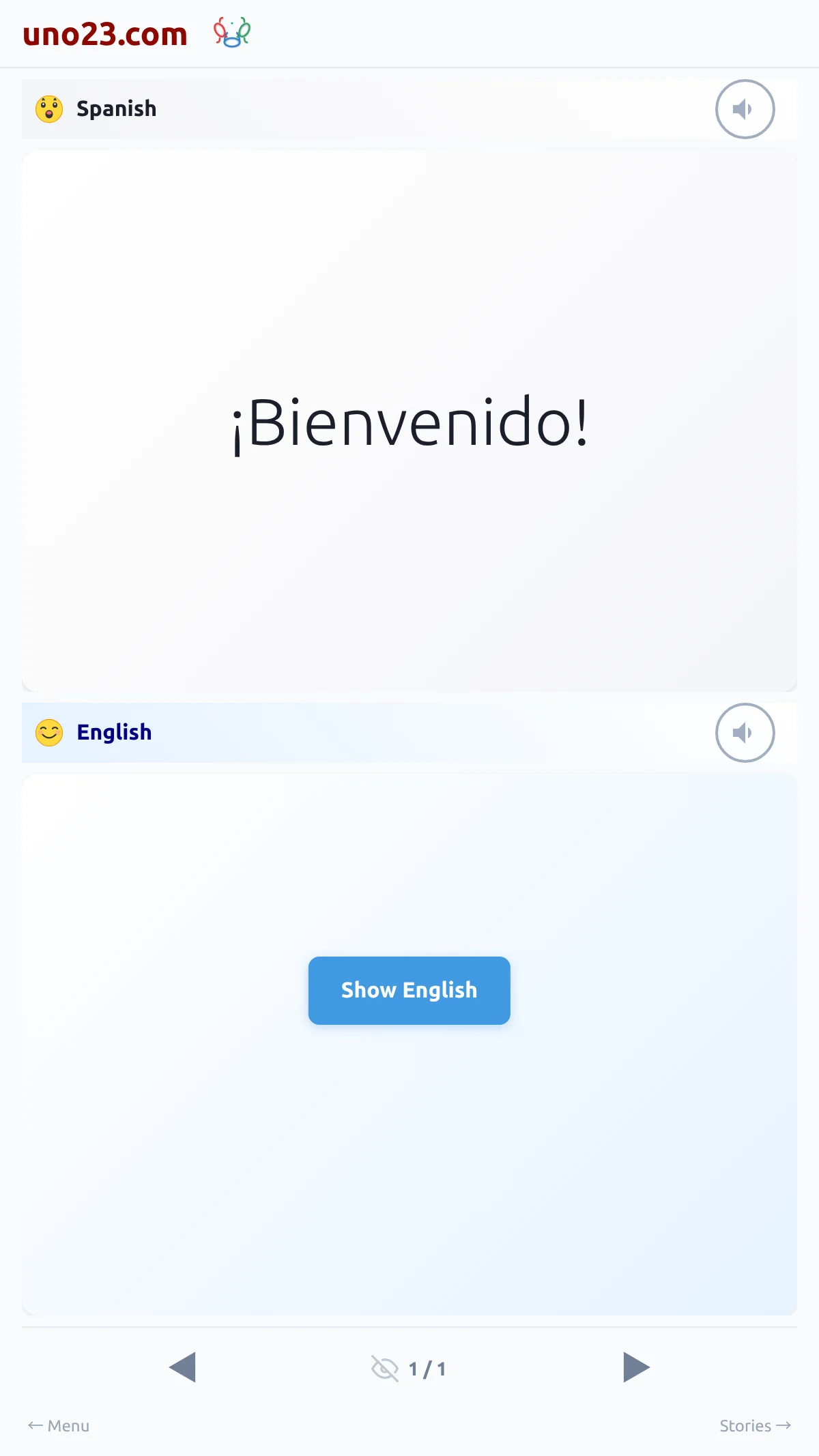
Opening it
The round Play button sits in the middle of the reading page header, for logged-in readers. Tapping it opens the Playback configurator:
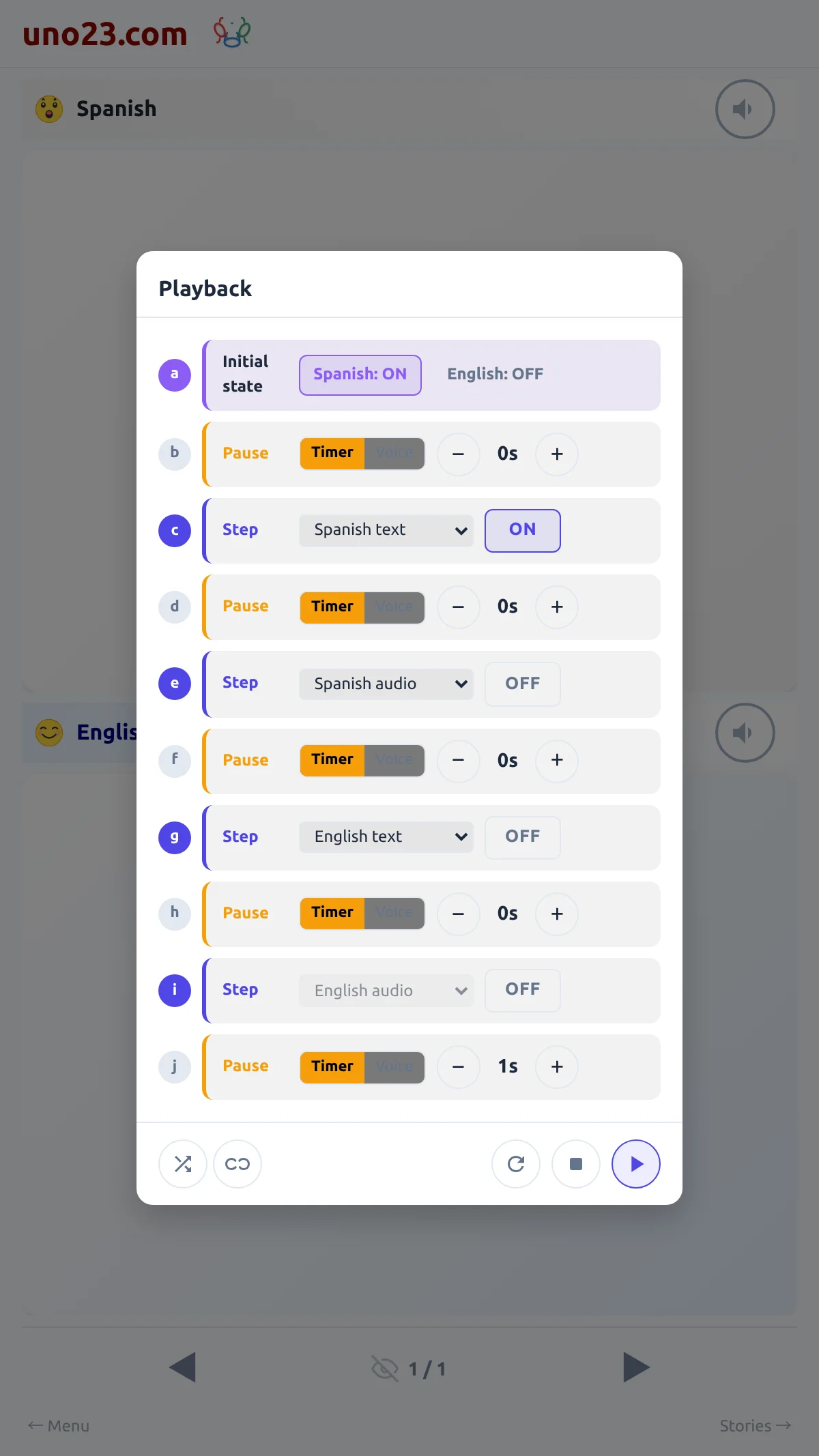
- An Initial state row with a toggle per language — what is visible when a dialog starts
- Nine lettered rows, alternating pause and feature, beginning and ending with a pause
- A footer of round buttons: Shuffle, Infinite, Reset, Cancel, Start
The playback settings

Voice commands
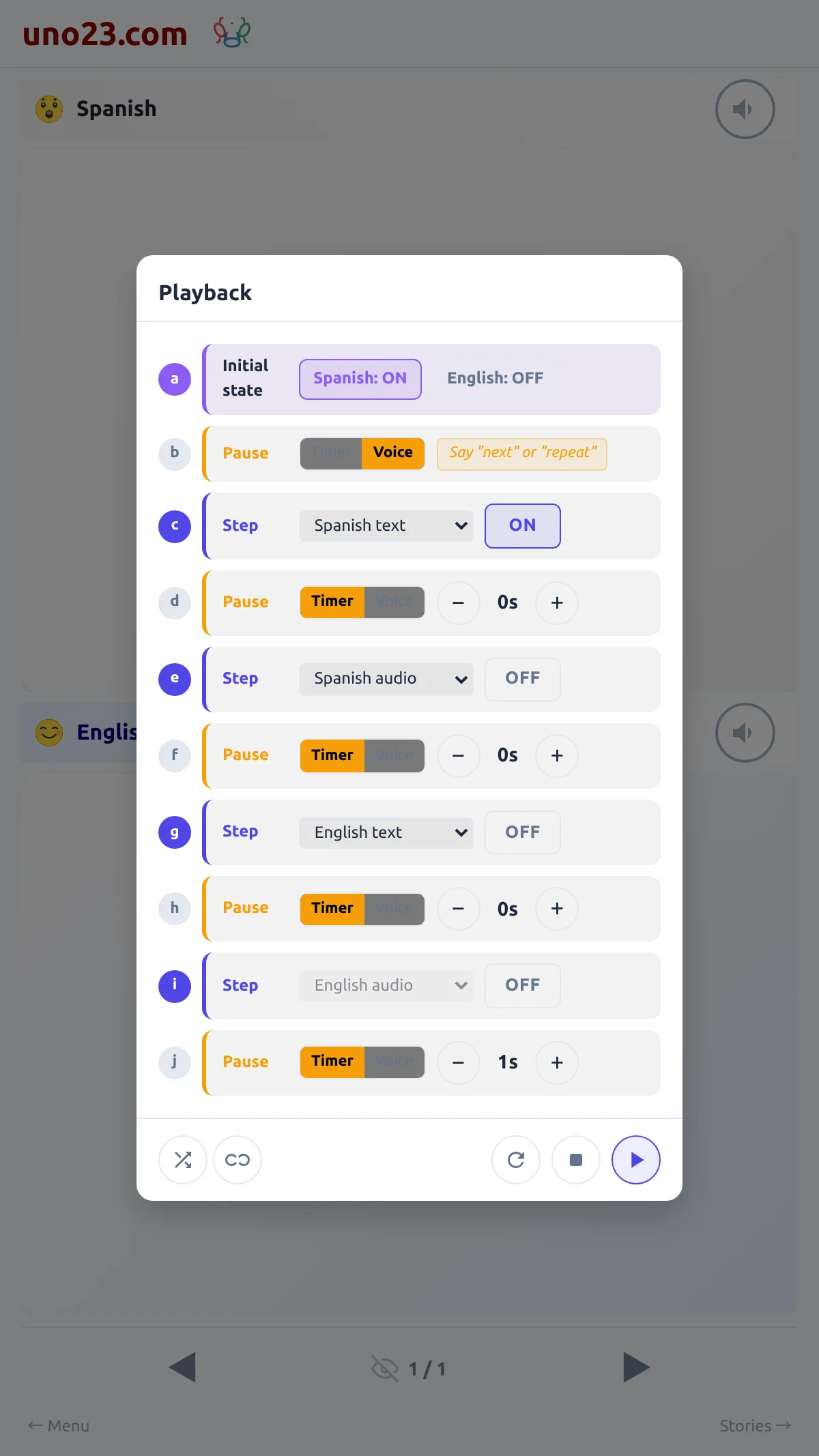
While a step is waiting for you, the app listens for three words, in the language you are reading:
- "next" — abandon the current step and move on
- "repeat" — start the current dialog again from the beginning
- "reset" — go back to the first dialog
A pause row set to listen
While it runs
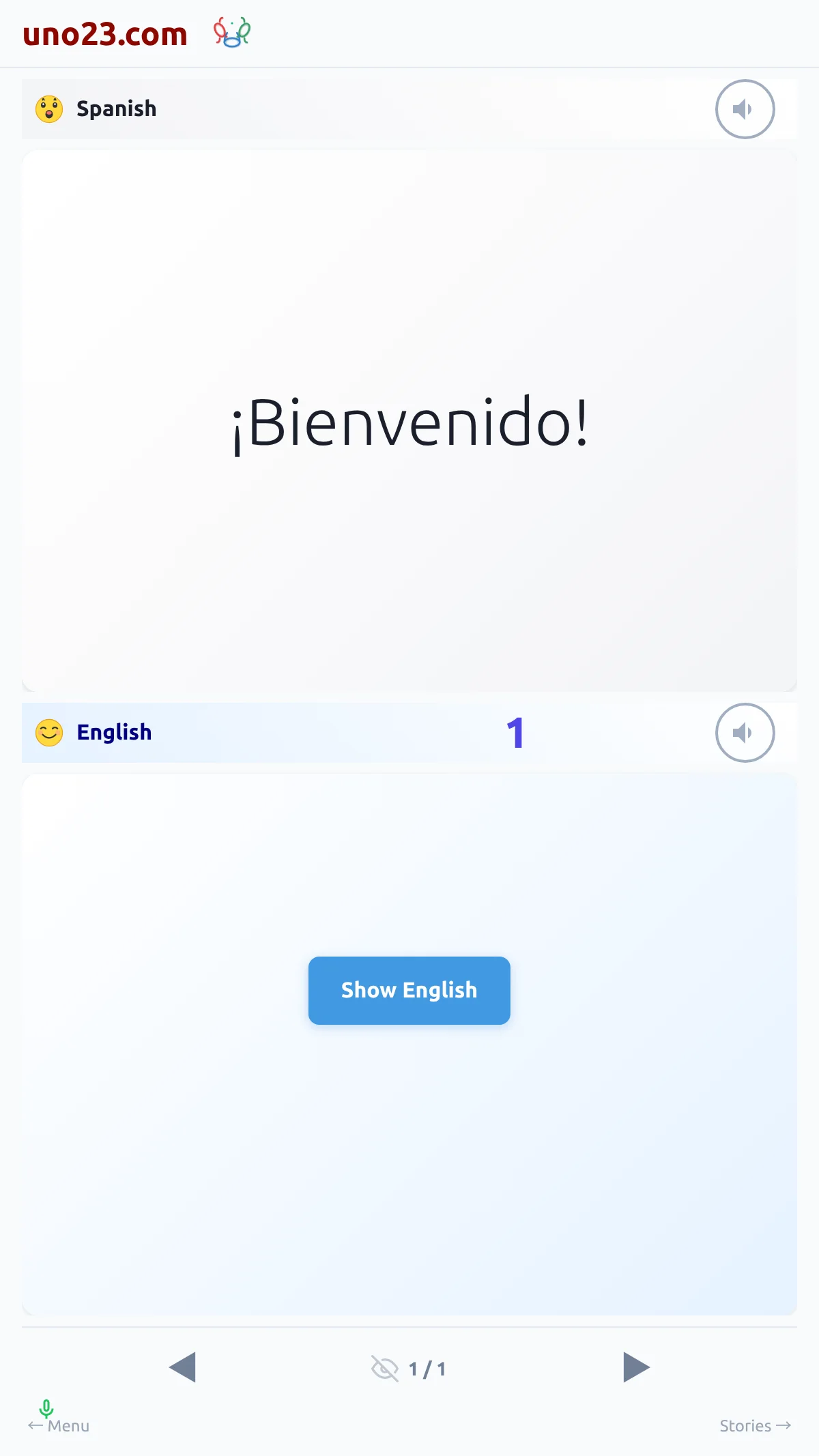
A full-screen layer covers the page. Tap anywhere to stop and bring the configurator back. A countdown appears during timed pauses, and a small microphone indicator shows while the app is listening. The play button itself is hidden while playback is running.
Shuffle randomizes the order of the dialogs for the run, and Infinite loops back to the first dialog when the story ends. Reset puts every row back to the default.
While it runs
Availability
Playback needs a login, so a visitor cannot run the sequence and can hear only a few lines through the speaker buttons. Listening is free. Each line is spoken the first time it is heard and kept from then on, so playing a story costs nothing and works at any balance — zero included. Reading and browsing carry on working too.
If you have panel groups, opening a group loads its dialogs as one long story and playback runs straight through them — see Panel Groups.
A visitor — no Play button