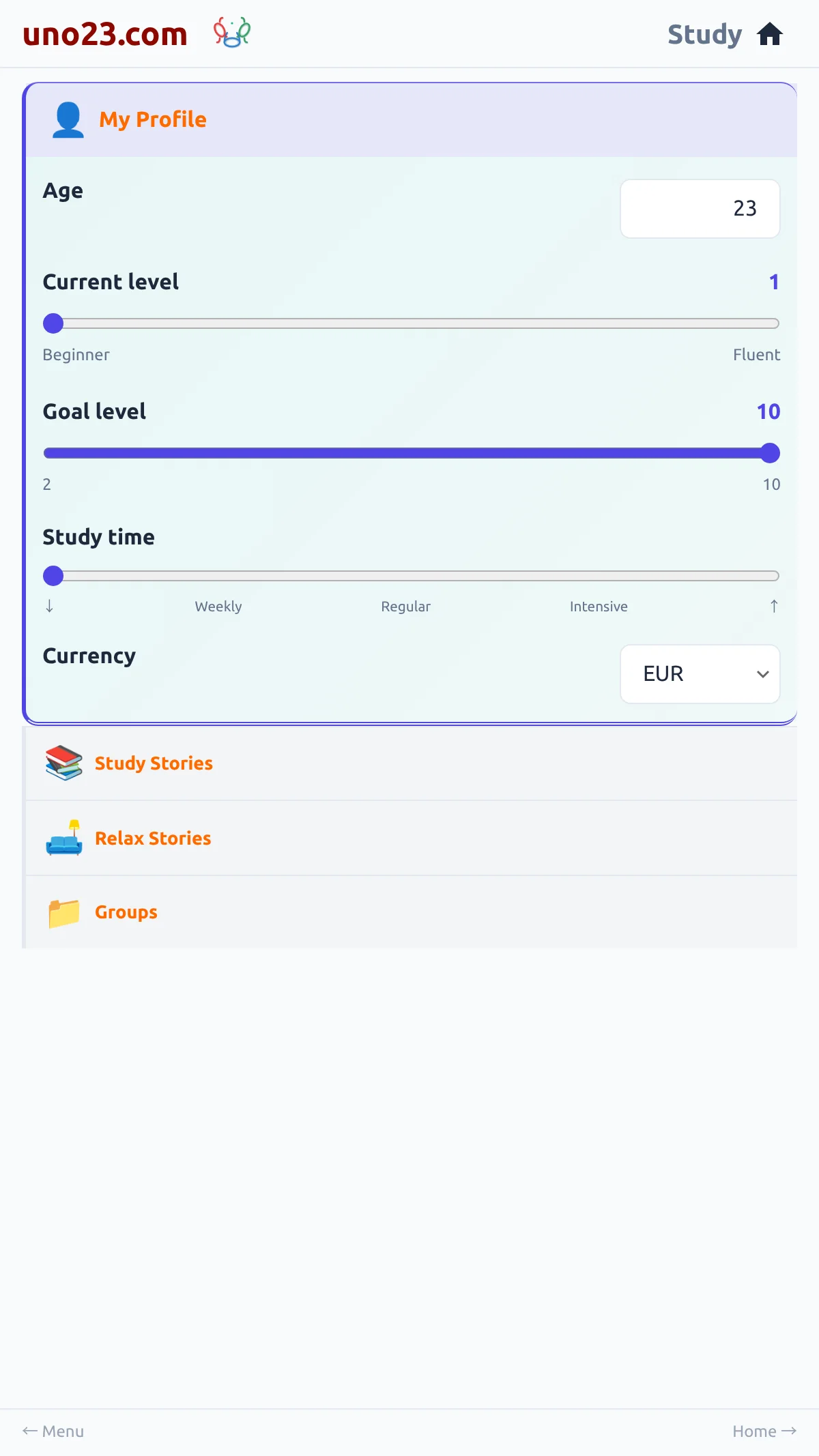
- Age — a number you type in
- Current level — a slider from 1 to 10, marked Beginner at one end and Fluent at the other, with the number shown beside it
- Goal level — a slider from 2 to 10: the level you are aiming for
- Study time — a slider marked ↓ · Weekly · Regular · Intensive · ↑, with no number
- Currency — a dropdown of three-letter currency codes, which sets the currency your balance and purchases are shown in
The profile panel

How your level works
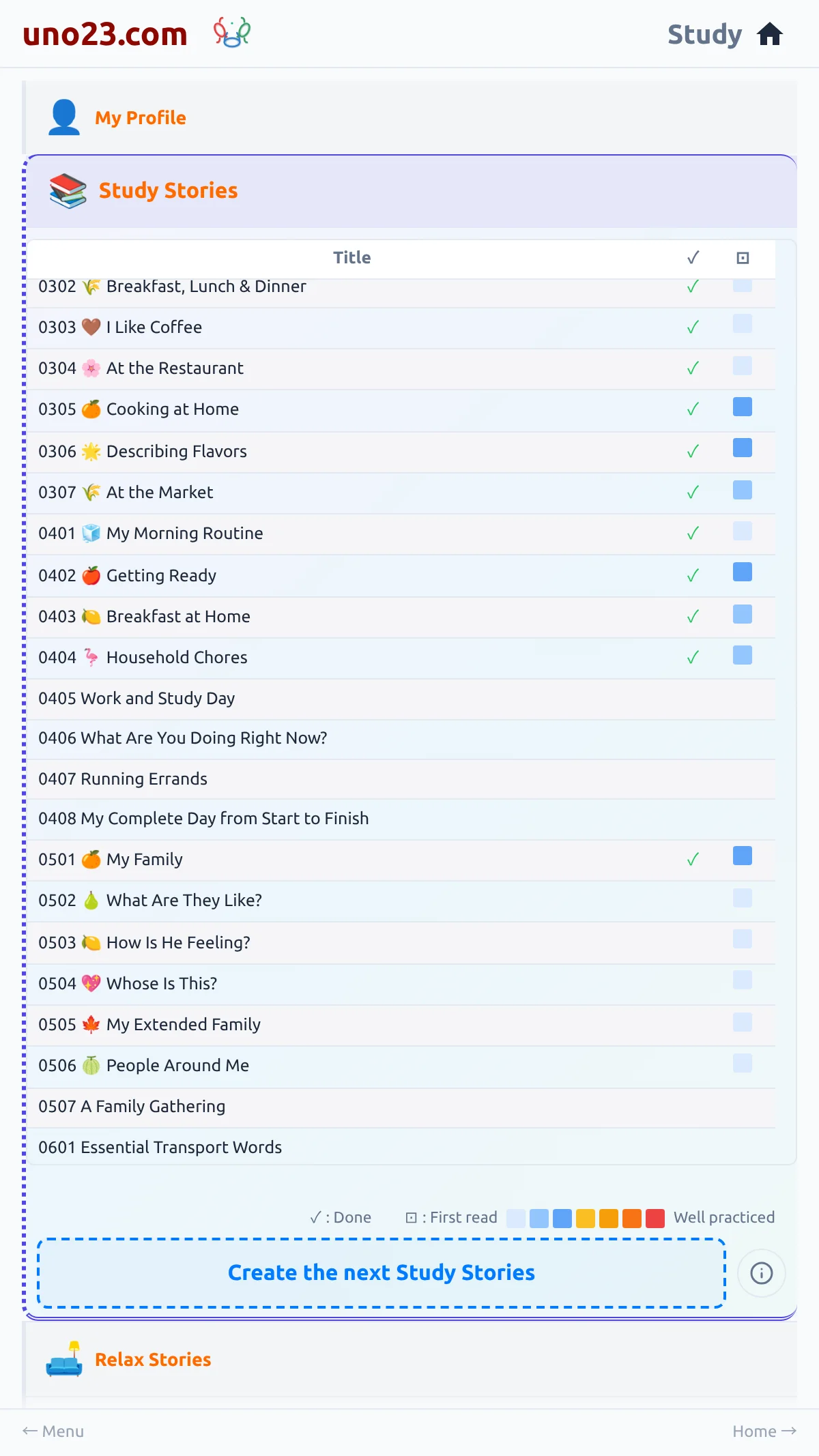
Your current level is a floor rather than just a label: the app will put you at the level you choose, and finishing the topics in your course can move you up past it, up to level ten. Moving the slider back down lowers your level again whenever you want.
Your goal level and your study time describe what you are aiming for; they do not change what the app builds.
Each language pair has its own profile, so your level for one pair does not carry over to another.
The course the level orders