What is on the menu
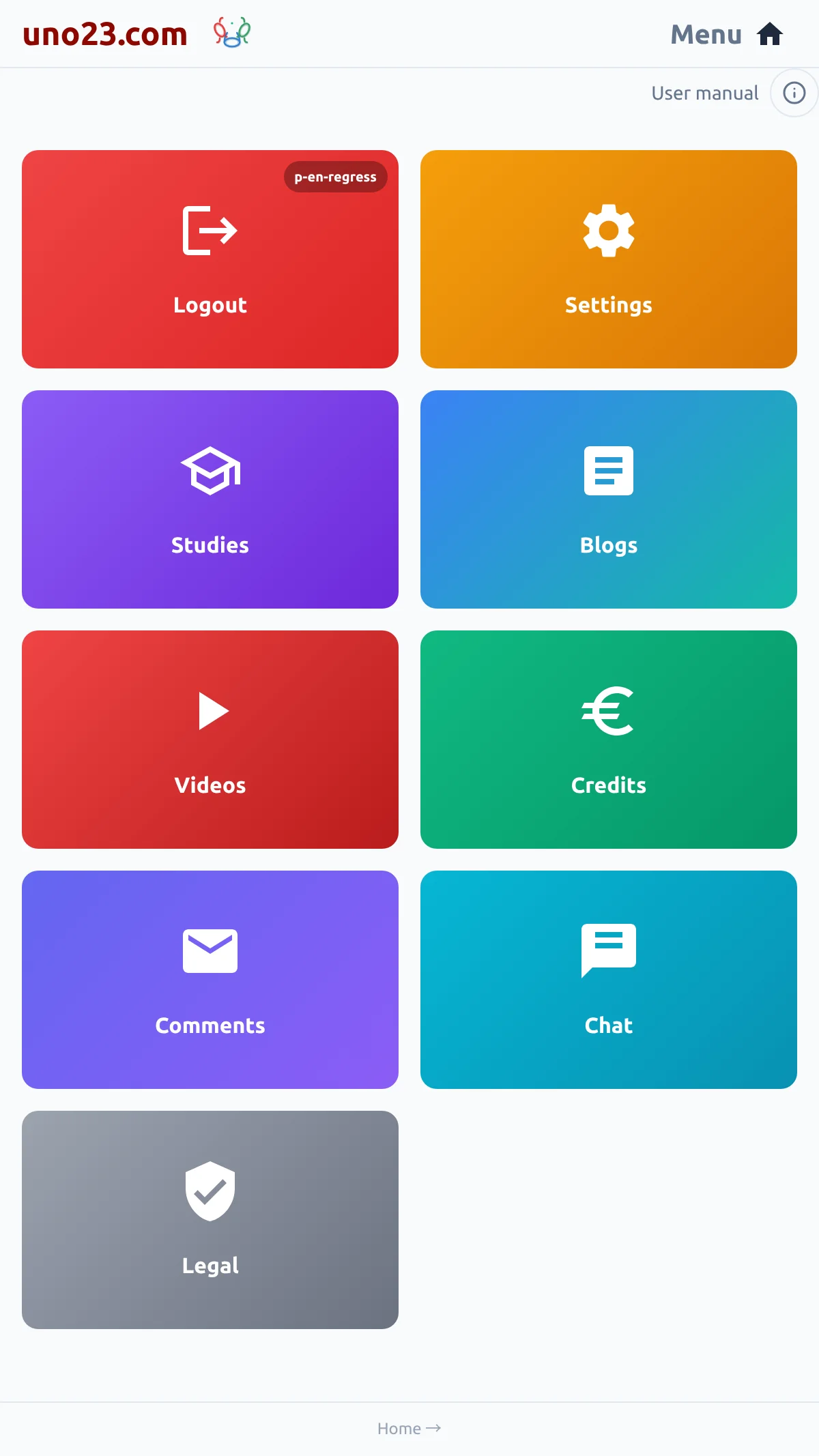
Each card opens one destination, and which cards you get depends on your login:
- Log in / Get started — one card for new and returning readers alike; once you are logged in it becomes Logout, carrying your name
- Settings — your languages, theme and recovery email
- Blogs — announcements and articles
- Videos — short clips about using the app
- Legal — the Terms of Service and the Privacy Policy
Logging in adds three more: Studies (your course), Credits (your balance and purchases) and Comments (a private line to the team).
The menu a login gets

What Settings holds
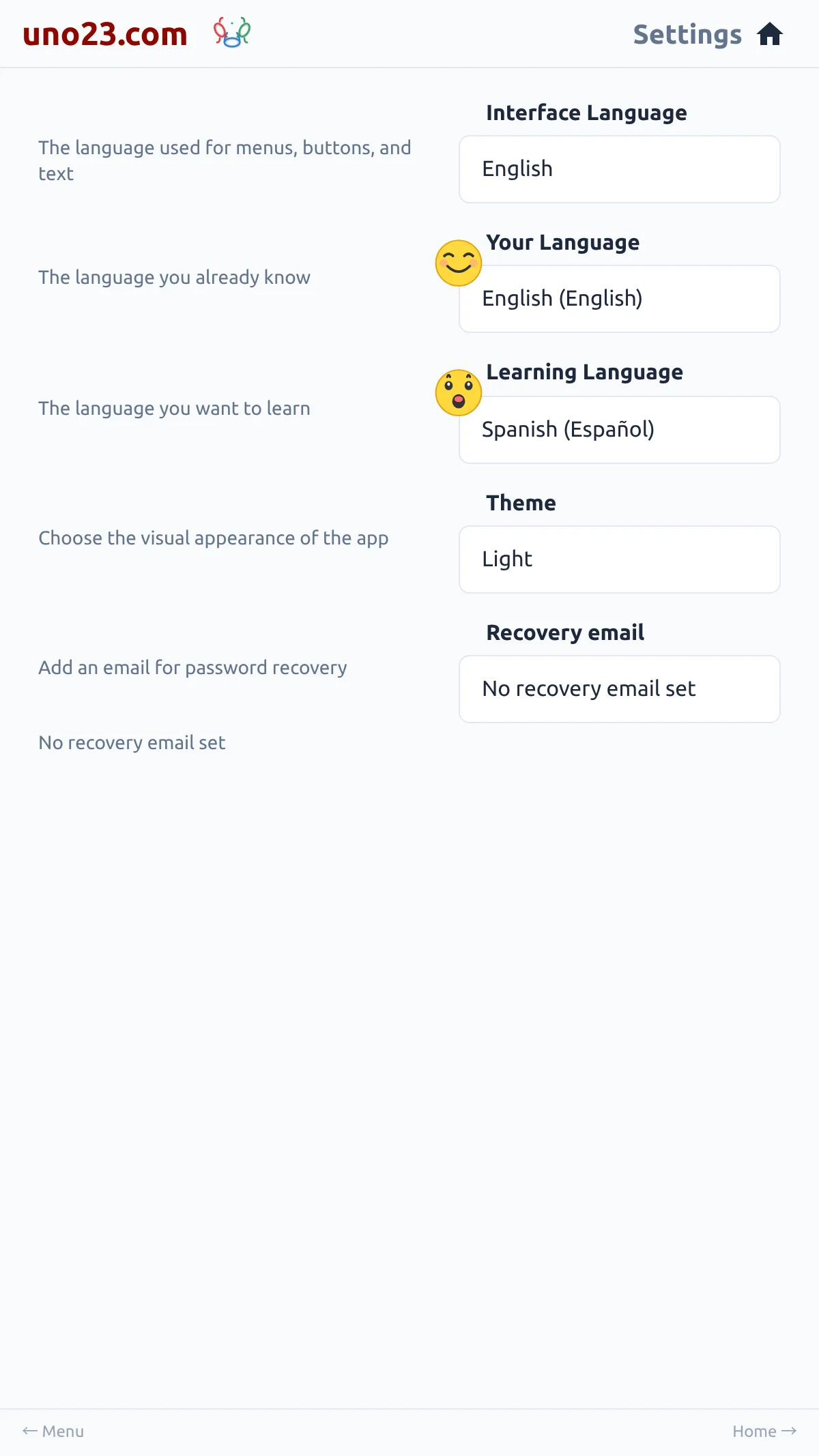
Settings is a card on the menu, and everything in it is yours to change:
- Interface Language — the language the app itself is shown in
- Your Language and Learning Language — the two halves of your reading pair
- Theme — Light, Dark or High Contrast
- Recovery email — the address used for password resets
Your currency is not here: it is set in the My Profile panel of the Studies page.
Everything Settings holds