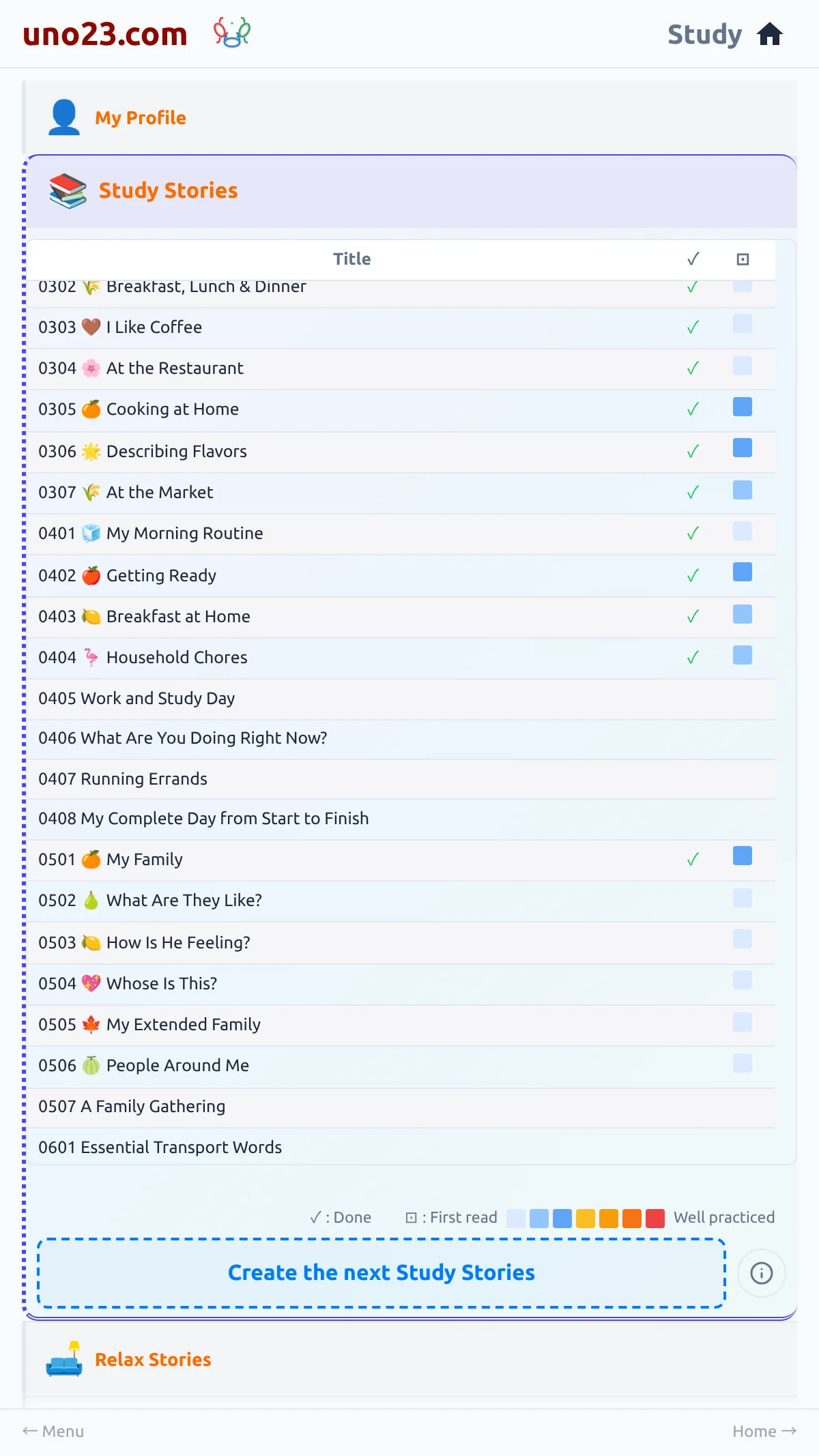
Tapping it does one of three things:
- One option — the story is written straight away, without asking
- More than one option — a Standard or Extended Study Story choice opens; cancelling it does nothing at all
- Nothing available — you are told why: "Nothing new to create", "No Study Stories available to create at this level", or "You're caught up!" once the whole course is finished
The Create card