Asking a question
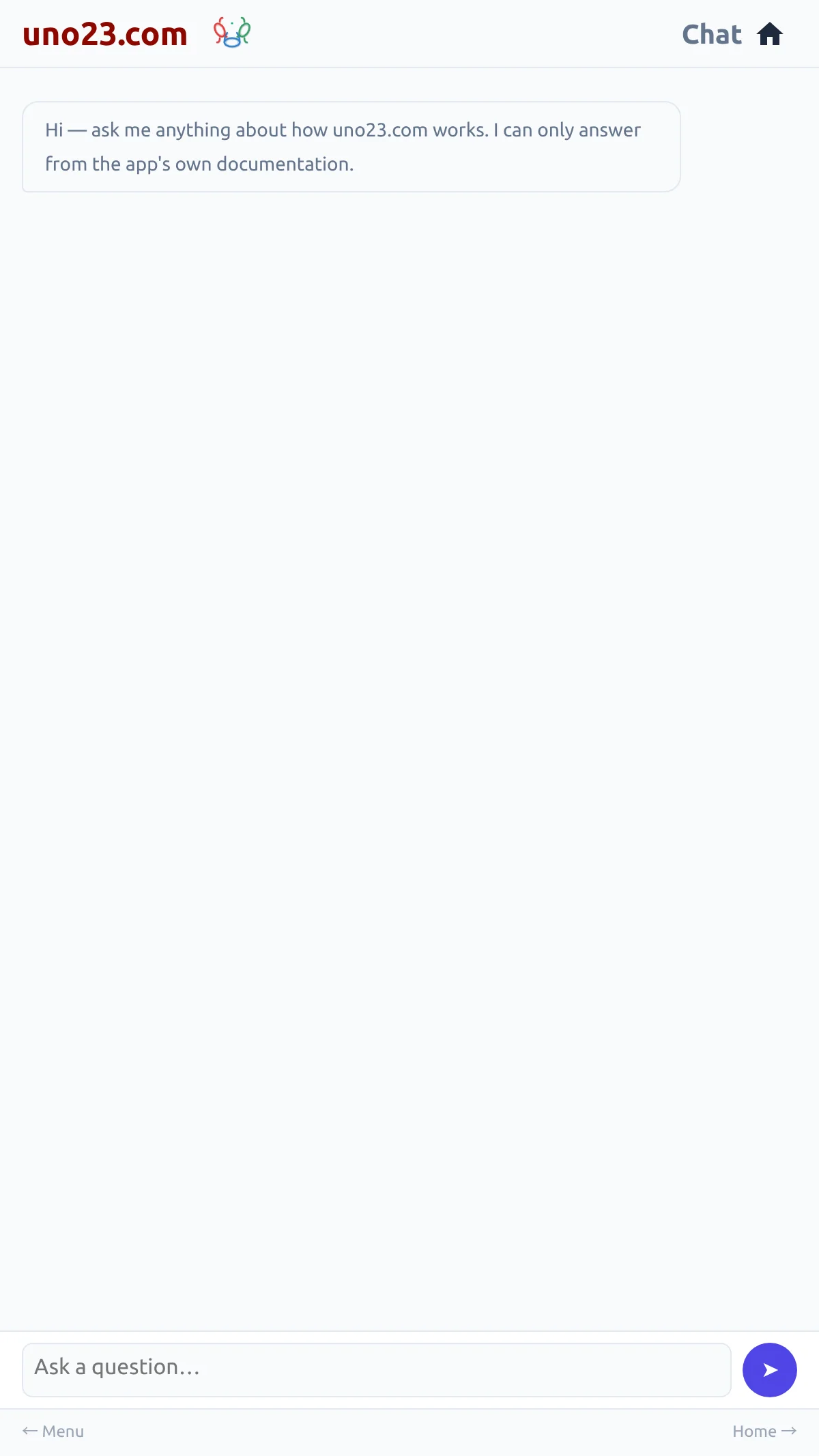
- Open Chat from the menu.
- Type your question in the box at the bottom and press Send.
Your question and the answer stack up as a conversation, so a follow-up does not need the context repeated. The conversation is kept while you are in the panel — following a link out of an answer and coming back to it leaves your questions where they were — and it starts fresh when the page is reloaded.
The question box
Where to find it
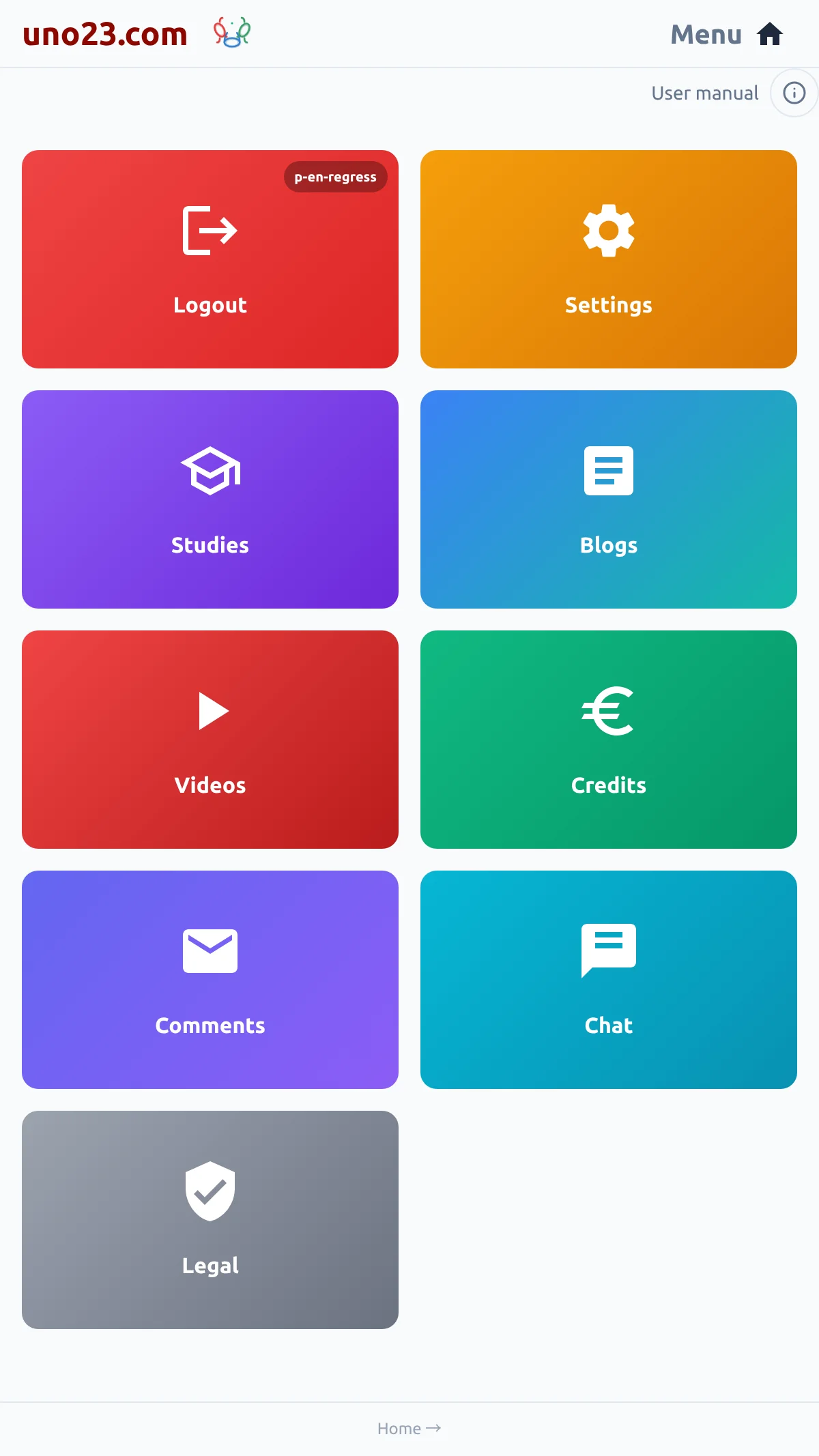
Chat is on the menu, between Comments and Legal. It is there for every login, and a reader who is not logged in does not see it.
Between Comments and Legal
Paying past the allowance
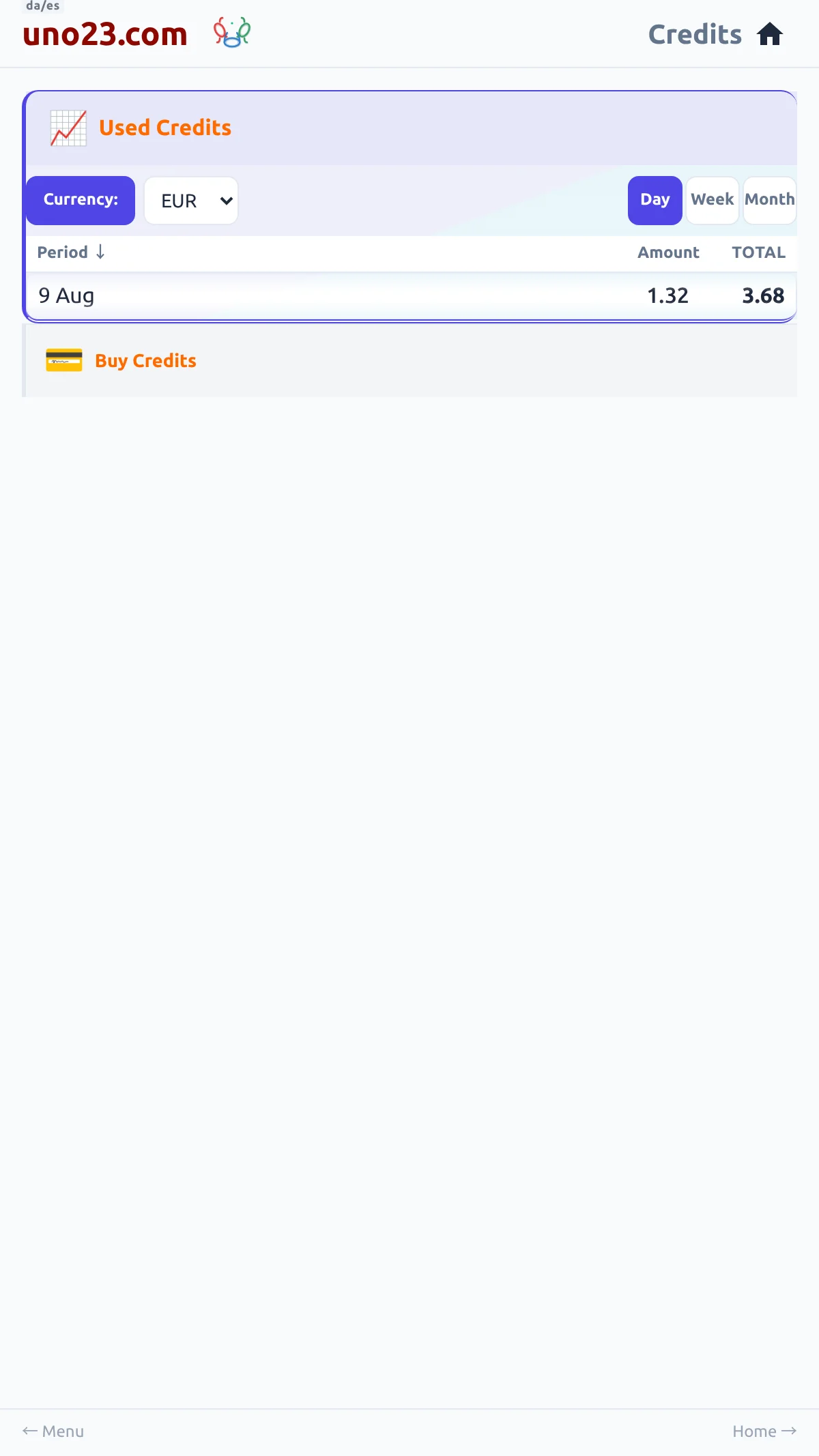
A premium login can choose to keep asking after the daily allowance is used up, paying for each answer out of its credits instead of being stopped.
The setting, off until you turn it on